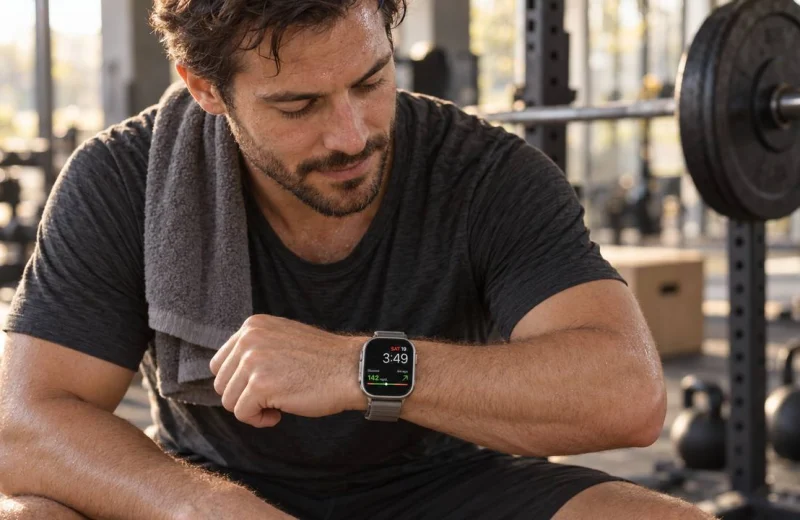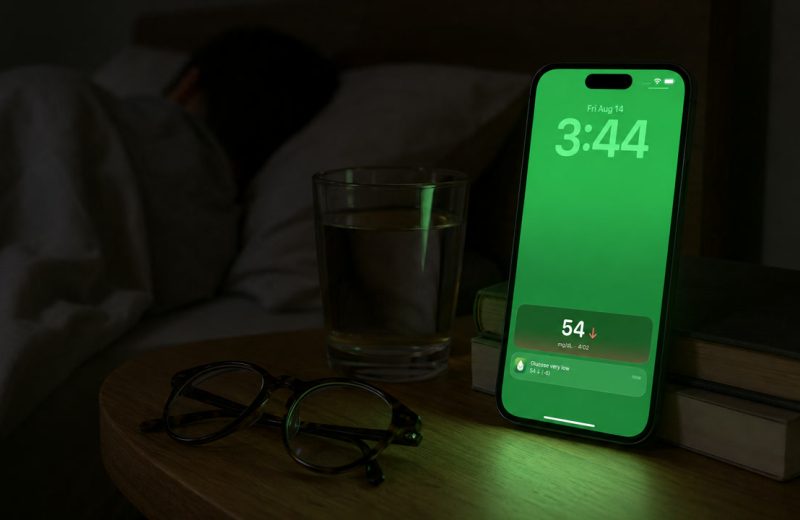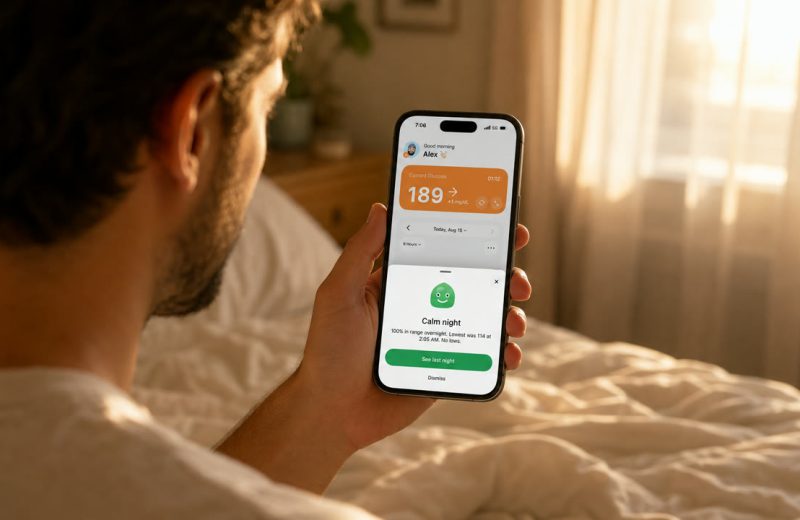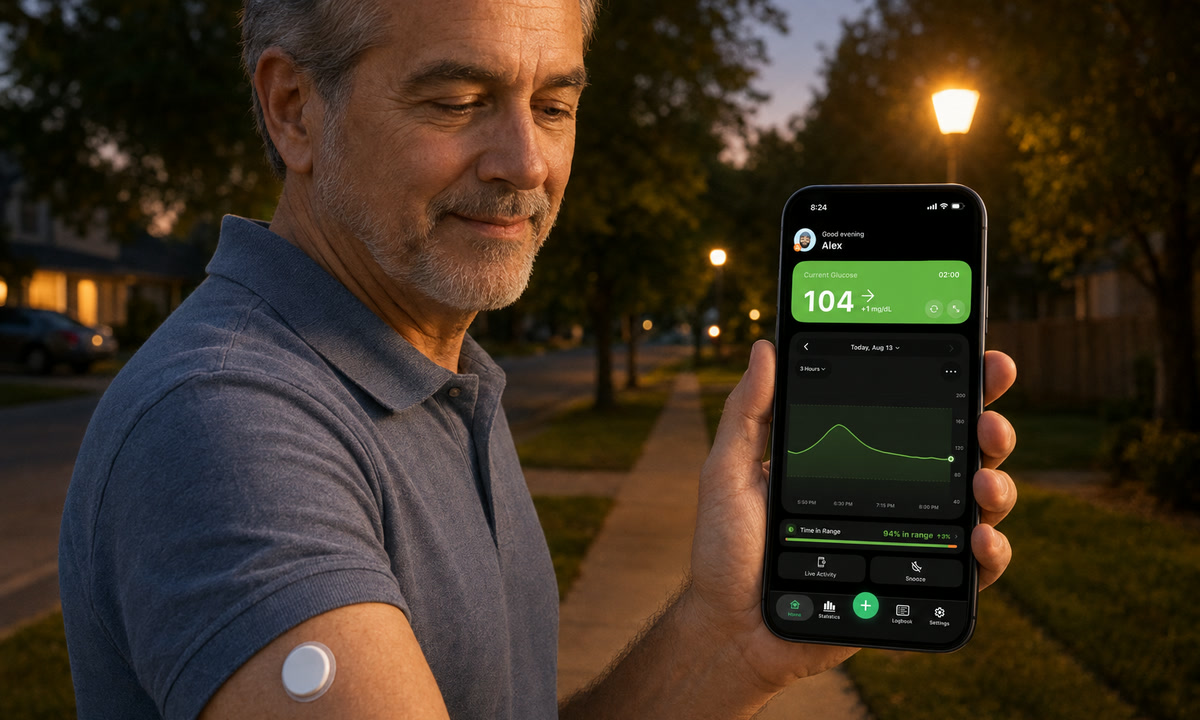
A CGM for type 2 diabetes is a small sensor worn on the arm. It reads glucose every few minutes and sends the number to your phone, so you can see where you are and which way you are heading without a finger stick.
The part people miss at first: the live number matters less than the shape of the line after meals, walks and sleep. You do not have to take insulin to learn something useful from that line, and since 2026 the American Diabetes Association’s Standards of Care say so in as many words.
What a first-time wearer should know:
- A sensor reads glucose in the fluid under your skin, not blood, so it can lag a few minutes during fast changes.
- Most systems deliver a fresh reading every 1 to 5 minutes, which is hundreds of data points a day instead of two or three.
- Time in Range, the share of the day spent between 70 and 180 mg/dL (3.9 to 10.0 mmol/L), is the number most clinicians now look at first.
- Even two weeks of wear usually exposes one clear pattern worth changing.
- Nothing you see on a CGM should change a medication on its own. That call belongs with your clinician.
On this page
What the sensor measures and how the reading reaches you
A soft filament sits just under the skin and measures glucose in interstitial fluid, the fluid between your cells. A transmitter pushes each reading to a phone app or a handheld reader. The National Institute of Diabetes and Digestive and Kidney Diseases describes how continuous glucose monitoring works in plain terms, including why the reading is not a direct blood measurement.
The two families you will run into most are FreeStyle Libre and Dexcom. Wear time runs roughly 10 to 15 days depending on the model, and then you replace the sensor. In March 2024 the FDA cleared the first over-the-counter CGM, Dexcom’s Stelo, sold without a prescription to adults who do not use insulin. That is one reason so many people with type 2 diabetes are trying one now. For the mechanics in more depth, see our explainer on what a continuous glucose monitor is and how it works.
Do you need insulin to benefit from a CGM?
No. Plenty of people manage type 2 diabetes with tablets, diet and movement alone and still get real value from a sensor, because the feedback is what teaches, not the treatment it happens to inform. The American Diabetes Association counts 40.1 million Americans living with diabetes, about 12 percent of the population, and the CDC puts 90 to 95 percent of them at type 2, most managing without mealtime insulin.
What people actually use the data for:
- Watching food work. Rice, bread, fruit, that afternoon snack. You see the curve instead of guessing at it.
- Finding the repeat offenders. A lunch spike that shows up four days out of five is a pattern, not bad luck. If you want help spotting it, our guide to asking ChatGPT about your CGM data shows how.
- Proving that a habit pays off. A ten minute walk after dinner is much easier to keep doing once you have watched it flatten a line.
- Fewer finger sticks. Checking becomes something you glance at rather than something you set up.
Ask your care team whether a CGM is right for you and whether your plan covers it. Coverage rules vary by country, insurer and which medications you take, and the next two sections cover the rules that exist in writing.
Who qualifies for a CGM with type 2 diabetes?
In the guideline sense, more people than a year ago. The Standards of Care in Diabetes 2026 recommend continuous glucose monitoring at diabetes onset and any time afterward for anyone who could benefit from it. The technology section spells that out: people on insulin, people on non-insulin medicines that can cause low glucose, and anyone whose diabetes management the data helps, which is a much wider door than the old “insulin only” reading of the guidance. A review of the 2026 technology recommendations notes that the trial evidence for people with type 2 diabetes not on insulin has grown, with better A1C and Time in Range than finger-stick checks alone.
In the practical sense there are two doors. A prescription sensor such as the Dexcom G7 or the FreeStyle Libre 3 Plus comes through your clinician and, if you qualify, your insurance. An over-the-counter sensor such as Dexcom’s Stelo or Abbott’s Lingo is bought directly, and the FDA’s clearance sets its limits: adults 18 and over who do not use insulin and do not have problematic hypoglycemia. If either of those describes you, the prescription door is the one to use, because it comes with alerts and a clinician watching the data with you.
Does Medicare or insurance cover a CGM for type 2 diabetes?
Medicare does, under rules that no longer depend on which type of diabetes you have. The American Diabetes Association’s summary of the Medicare criteria puts it simply: you qualify if you are treated with insulin, any type and any amount, or if you do not take insulin but have a documented history of problematic hypoglycemia. Problematic means repeated lows under 54 mg/dL (3.0 mmol/L) that kept happening after your treatment plan was adjusted more than once, or a single severe low that needed someone else’s help. Your clinician must see you, in person or by telehealth, within six months before ordering the CGM and every six months after it.
Both manufacturers publish the same criteria on their own Medicare pages, Dexcom’s and Abbott’s, and Abbott adds the cost side: under Part B you may owe 20 percent of the Medicare-approved amount after your deductible, while most Medicare Advantage members pay nothing. Private insurance, Medicaid and TRICARE each have their own rules, and they vary by plan and by state, so the fastest route is one phone call to the number on your card with the words “continuous glucose monitor” ready. Over-the-counter sensors are self-pay by design.
One more door worth knowing: Abbott’s MyFreeStyle program offers a first FreeStyle Libre 3 Plus sensor free in eligible states, no credit card, after a conversation with your doctor. Two weeks of data for the price of an appointment is a reasonable way to find out whether the sensor earns its place.
What the first two weeks usually reveal
Most first-time wearers find the same three things: a bigger after-meal rise than expected, a morning number higher than the bedtime one, and a flat, boring overnight line that is quietly reassuring.
The morning rise has a name. Hormones released in the early hours nudge glucose up before you eat anything, and our guide to the dawn phenomenon covers why it happens and what it looks like on a graph.
The other thing you learn fast is that a number without direction is half a story. A reading of 150 mg/dL (8.3 mmol/L) with a downward arrow is a completely different situation from 150 climbing sharply, which is why glucose trend arrows are worth ten minutes of study early on.
Time in Range, worked through one ordinary day
Time in Range is the percentage of the day your glucose sits between 70 and 180 mg/dL (3.9 to 10.0 mmol/L). The 2019 International Consensus on Time in Range recommends that many adults with diabetes aim for more than 70 percent of the day in range, though your own target should be set with your clinician.
Here is what that looks like on a real clock. Say you wake at 7 a.m. at 118 mg/dL. Breakfast pushes you to 205 by 8:30 and you drop back under 180 around 9:45, so that is roughly 75 minutes above range. Lunch takes you to 192 for about 40 minutes. Dinner stays under 180 because you walked afterward, and the night runs flat near 110. Total time out of range: just under two hours. Your Time in Range for that day lands around 92 percent.
Now compare that with an A1C. An average can hide a spiky day and a flat day inside the same result, which is exactly the gap Time in Range fills. If you want the comparison spelled out, read Time in Range explained.
How accurate is a CGM for type 2 diabetes?
Accurate enough to steer everyday decisions, and not identical to a lab draw. Because the sensor reads interstitial fluid, it trails blood glucose by a few minutes, and that gap widens when your glucose is moving fast.
Differences also show up on the first day of a new sensor, while it settles in. That is normal behavior, not a broken device, and we unpack it in why your CGM reading differs from your finger stick. A few habits that keep the data honest:
- Wash and dry your hands before any confirming finger stick. Fruit residue alone can throw a meter reading well off.
- Give a fresh sensor its warm-up period before you judge it.
- Try not to sleep directly on the sensor, which can produce a temporary false low.
- If your system asks for calibration, follow the manufacturer instructions rather than your instinct.
Which CGM for type 2 diabetes: prescription or over the counter?
The honest answer is that the best CGM for type 2 diabetes depends on one question: do you use insulin or have a history of serious lows? If yes, you want a prescription sensor with alerts, and the choice is between the Dexcom G7 and the FreeStyle Libre 3 Plus, which we compare sensor by sensor in Libre 3 Plus vs Dexcom G7. If no, an over-the-counter sensor may be all you need, and our guide to the best over-the-counter CGM, Stelo vs Lingo walks through what each one shows and leaves out.
Dexcom for type 2 diabetes: G7 or Stelo?
Dexcom makes both. The G7 is the prescription sensor: high and low alerts, sharing with family through Dexcom Follow, and Medicare coverage under the rules above. Stelo is the over-the-counter one, cleared by the FDA for adults who do not use insulin and do not have problematic hypoglycemia, worn for up to 15 days per sensor. Abbott’s pair is the same idea: the FreeStyle Libre 3 Plus by prescription, Lingo over the counter. Sugar Sense connects to the prescription sensors, the Dexcom G7 through Dexcom Share and the FreeStyle Libre through LibreLinkUp, and the over-the-counter sensors use their own apps.
From glancing at data to changing something
Data only helps once it lives somewhere you look without effort. Then you act on it, one change at a time.
Your CGM comes with a manufacturer app, and a companion app can put the same reading where your eyes already are: a watch face, a lock screen, a home screen widget. That is the job Sugar Sense does with Libre, Dexcom and Nightscout data, including on your Apple Watch.
I live with type 1, not type 2, but the hardware on my arm is the same hardware, and after twelve years of wearing sensors the biggest shift for me was not the alerts. It was being able to glance at my wrist mid-afternoon and see a line rather than remember a number.
Then work in small loops:
- Observe for a week. Change nothing. Just eat and live as usual and let the graph fill in.
- Pick one pattern. The lunch spike, the late snack, the sluggish morning.
- Test one change against it. A walk, a smaller portion, a swapped ingredient. Compare the curves side by side.
- Bring the reports to your appointment. Your clinician can read patterns you will not spot, and any medication decision starts there.
Frequently asked questions
Should people with type 2 diabetes wear a CGM?
The 2026 Standards of Care recommend it for anyone with diabetes who could benefit, from diagnosis onward, including people on non-insulin medicines. Whether it is right for you is a conversation with your care team, and two weeks of wear is usually enough to know.
Does someone with type 2 diabetes qualify for a Dexcom?
For the G7, a prescription from your clinician is the first step and coverage follows the rules above; for Stelo, no prescription is needed as long as you are an adult who does not use insulin and has no history of problematic hypoglycemia.
Will insurance cover a CGM for type 2 diabetes?
Medicare covers it for people on insulin of any kind and for people with documented problematic hypoglycemia. Private plans, Medicaid and TRICARE vary by plan and state, so ask your insurer directly and have your clinician’s notes ready.
Does Medicare cover a CGM if I am not on insulin?
Yes, if you have a documented history of problematic hypoglycemia: repeated lows under 54 mg/dL despite more than one change to your treatment plan, or one severe low that required someone else’s help. Without that history, the over-the-counter route is the alternative.
Can I get a CGM without a prescription?
Yes. Since the FDA’s 2024 clearance, Dexcom’s Stelo and Abbott’s Lingo are sold over the counter to adults 18 and over who do not use insulin. They are paid out of pocket, and they are not meant for anyone who needs low-glucose alerts.
Can I try a CGM for free?
Abbott’s MyFreeStyle program offers a first FreeStyle Libre 3 Plus sensor free in eligible states, after a conversation with your doctor and with no credit card. Ask your clinician about samples as well; many practices have them.
Can I use a CGM if I only take pills for type 2 diabetes?
Many people managing type 2 with tablets or lifestyle alone wear one, either continuously or for a couple of weeks at a time to learn their patterns. Insurance coverage is the variable. It depends on your plan, your country and your medications, and the coverage section above lists the rules Medicare has put in writing.
How often does a CGM update?
Depending on the brand, a new reading arrives every 1 to 5 minutes, which works out to roughly 288 to 1,440 data points a day. Compare that with three finger sticks and you can see why patterns become visible that were invisible before.
Will a CGM replace finger sticks completely?
Usually it cuts them down sharply, though you may still want one when the sensor reading does not match how you feel, or when your device or clinician specifically asks for a confirmation. Keep a meter and strips around either way.
Everything above is general education, written by someone who wears a sensor daily, not medical advice for your situation. A companion app shows you data your CGM already collected; it does not replace the sensor, its own readings or its built-in alarms, and it is not a medical device. Changes to medication, targets or treatment belong with your healthcare provider, and our full disclaimer spells out the limits.