The short version: real-time alerts matter because glucose can change faster than you can feel it. A well-tuned low alert, plus a predictive warning that fires before you drop, turns surprises into small corrections, especially overnight.
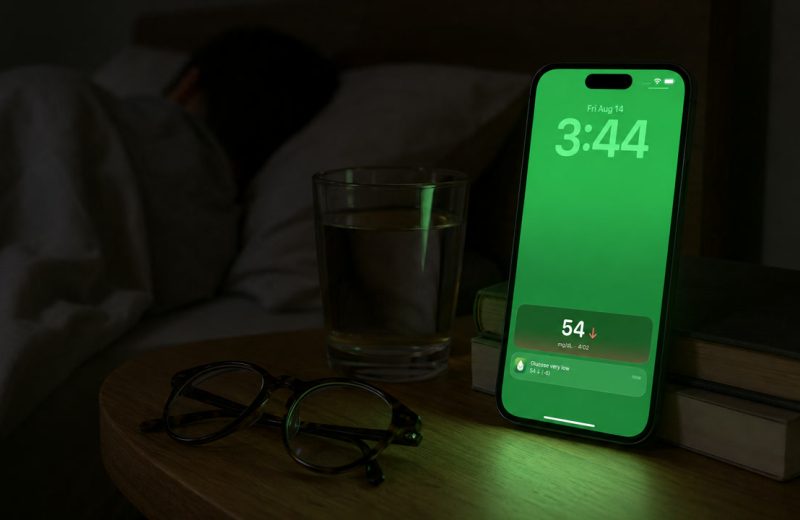
A little after 2 a.m., your phone lights up the ceiling: low alert, glucose falling. You are awake and sitting up with something sweet in your hand before the sweating and the confusion ever start.
A glucose alarm is the real-time notification your phone, watch or companion app sends when a CGM reading crosses a threshold you set, or is heading there soon, usually within about five minutes of the sensor taking that reading. That is the whole case for real-time glucose alerts: they turn a quiet stream of CGM data into a tap on the shoulder while you still have easy options, instead of a low or a high discovered hours later.
For anyone with type 1 or type 2 diabetes who wears a CGM, and for the parents, partners and caregivers following those readings remotely, the timing matters most during the hours nobody is checking, especially overnight. The setup matters as much as the sensor.
What an alert system is really doing for you:
- It watches the readings during the hours you cannot, especially overnight.
- It gives you a number plus a direction, which is a very different piece of information than a number alone.
- A predictive low alert can fire while you are still inside your range.
- Too many alerts destroy the system, so thresholds and repeat settings matter as much as the alerts themselves.
- The same thresholds can notify a partner, parent or caregiver at the same time.
This guide explains what makes a CGM real-time, what a glucose alarm actually does, why predictive and overnight alerts earn their keep, how to avoid alarm fatigue, and which settings are worth a tune-up.
On this page
What a real-time glucose alert actually is
A real-time glucose alert is a notification from your phone, watch or companion app that fires when a CGM reading crosses a threshold you chose, usually within about five minutes of the sensor taking that reading. It is not a reminder to check. It is a report on something that already happened. The sensor itself measures glucose in the interstitial fluid just under the skin, not directly in blood, which is why a fingerstick still has the final word when a reading and your symptoms disagree.
Most systems let you set at least a high threshold and a low threshold, and many add a separate urgent low that behaves more insistently. Common education materials use roughly 70 to 180 mg/dL (3.9 to 10.0 mmol/L) as a general reference range, and glucose below 70 mg/dL is generally treated as low blood glucose by NIDDK. Your own numbers belong to you and your care team, not to a default setting.
The part people underrate is direction. Ninety mg/dL sitting flat after lunch is a fine place to be. Ninety mg/dL dropping fast is a different afternoon entirely. That is why trend arrows and rate of change belong next to every alert: the value tells you where you are, and the arrow tells you how much time you have.
What makes a CGM real-time
A real-time CGM sends every reading to your phone or receiver on its own and can alarm without you doing anything. An intermittently scanned CGM, the kind the American Diabetes Association describes as requiring a scan to get your data, stores readings until you hold a phone or reader to the sensor. Some of those sensors can still sound a low or high alarm, but you scan to see the number.
For new sensors the distinction is now mostly historical. Dexcom G6 and G7 send a reading every five minutes without a scan, and Abbott’s FreeStyle Libre 3 and 3 Plus stream readings automatically every minute with optional alarms. The original FreeStyle Libre was the scan-to-read kind, and depending on the app version and country, a Libre 2 may still be. If your sensor needs a scan, the rest of this article applies to whatever its alarms can do, and a real-time upgrade is a conversation worth having with your care team.
Why do alerts beat checking on your own schedule?
Because glucose does not wait for you to be curious. Fingersticks and manual scans show one moment; an alert covers all the moments in between, including the ones where you are asleep, driving, stuck in a long meeting, or simply concentrating on something else.
Overnight is where this matters most. Sleep blunts the early warning signs of a low, so the first symptom you notice can already be a late one. An alert is an outside voice that does not depend on you feeling anything at all. If you want the fuller picture, the signs and preparation for nighttime hypoglycemia are worth reading before you next change a threshold.
Nights are my own long-running problem. There have been nights when one alarm did not wake me, and that is exactly why I wanted a second, independent layer sitting on top of the sensor’s own app rather than trusting a single sound in a dark room.
Highs work differently. They usually build slowly, and one high reading rarely means much by itself. What a high alert gives you is a timestamp. You learn that you have been elevated since roughly a certain hour, which is far better raw material for a conversation with your care team than a memory of “I think I ran high yesterday”.
Predictive alerts and the minutes they buy
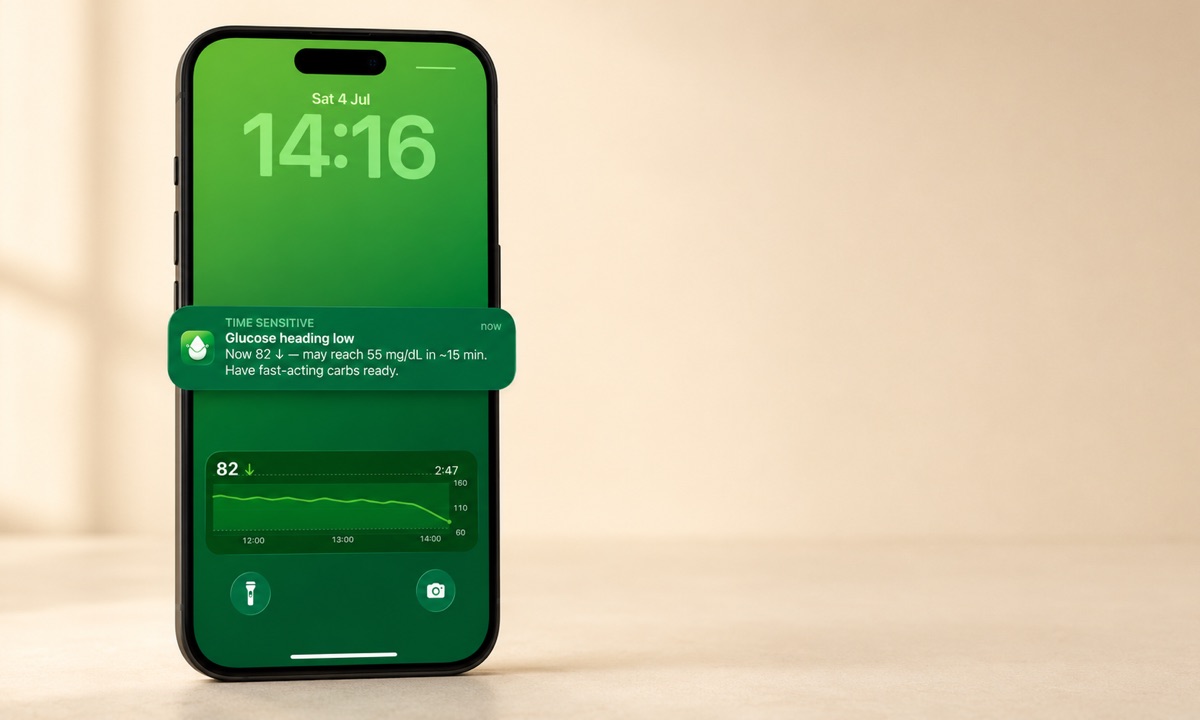
A predictive alert uses the slope of your recent readings to warn you that a low looks likely soon, before you have actually reached your low threshold. Dexcom ships this idea as Urgent Low Soon, which looks about 20 minutes ahead, and Sugar Sense has its own heading-low alert on a similar horizon. The mechanism in both cases is momentum, not prophecy.
Here is why the head start is worth having. Say your low glucose alarm sits at 70 mg/dL and you are at 105 mg/dL falling steadily. A reactive alert stays silent for now. A predictive one speaks up while you are still comfortably in range, which is the difference between handling something calmly and handling it while your hands shake. Fast-acting glucose is still the standard first response to a low, and nothing about a forecast changes that.
Predictions are estimates from recent data, so they will sometimes be wrong in both directions: a warning that resolves on its own, or a drop that outruns the model. Treat them as one more input. The mechanics of the different types are broken down in our guide to predictive low glucose alerts.
How do you cut alarm fatigue without going quiet?
Not by turning things off. You cut alarm fatigue by making alerts asymmetric and rare, because an alert you ignore is worse than no alert at all. It teaches you to ignore the next one. The problem is old enough to have its own paper, a 2013 review of diabetes device alarms titled “Turn it off!”, and it almost always traces back to settings rather than to the person.
- Treat lows and highs differently. A low can change your next fifteen minutes; a mild high generally cannot. Give the low the loud sound and the repeat, and let the high be gentler.
- Widen the high threshold before you widen the low one. Most over-alerting comes from a high set close to where you actually live after meals.
- Cap the repeats. One situation should not generate a dozen buzzes. A sensible repeat interval keeps the alert honest.
- Use short, deliberate quiet windows. A workout or a presentation is a reason to snooze routine alerts for a set time, not a reason to silence the urgent low.
- Re-check after any change. Live with a new threshold for a few days, then look at how many alerts you actually acted on. That ratio is the real measure.
Where your alerts should land
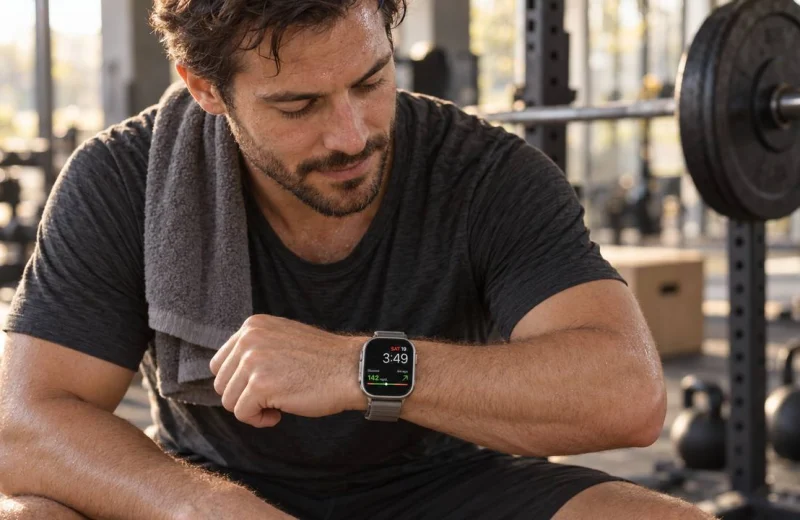
An alert only works if it reaches you where you already are: your wrist, your lock screen, a bedside display, an Echo you can simply ask, or someone else’s phone. A number buried inside an app you have to open on purpose is not an alert. It is homework.
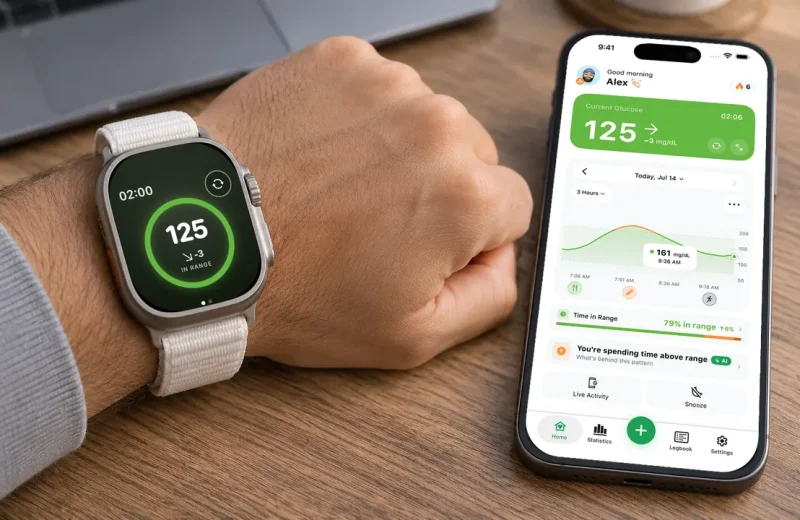
On an Apple Watch, a complication puts the current value and trend one glance away, and glucose on the lock screen does the same for your phone. This is the layer we spent the most time on in Sugar Sense: alerts and a heading-low warning on iPhone and Apple Watch, pulling from Libre, Dexcom or Nightscout, plus optional sharing so a family member gets the same notification you do. If you host your own site, the Nightscout project documents its alarm and threshold options in the official Nightscout docs.
Shared alerts change the emotional math more than people expect. A parent whose child is at school, a partner sleeping in the next room, an adult child a time zone away: when a significant low reaches a second phone, nobody has to hold the whole watch alone.
A tune-up checklist for your glucose alerts
Run through this once, then leave it alone for a week:
- Confirm your low, urgent low and high thresholds are numbers you and your care team chose on purpose, not factory defaults.
- Check that your urgent low can break through silent mode, Do Not Disturb and a locked screen at 3 a.m. (our silent mode guide covers the iPhone side). Test it while you are awake.
- Turn on a predictive low alert if your setup offers one, and give it a couple of weeks before judging it.
- Set repeat intervals so one event produces a handful of alerts, not a stream.
- Add one trusted follower for lows, with their own thresholds if the app allows it.
- Know what your app shows when readings stop arriving, and check the sensor’s own app first when they do. No data is not the same as no problem.
- Once a month, look at where your alerts cluster by time of day. The 2019 International Consensus on Time in Range recommends 70 to 180 mg/dL as the standard range for most adults, and the same clustering that shows up in those consensus targets is what your care team can help you act on.
Alerts handle the urgent. The pattern underneath them, the 4 a.m. cluster or the every-Tuesday-after-lunch rise, is what actually gets better over time.
Frequently asked questions
Is there an alarm for low blood sugar?
Yes. Whether you call it a sugar level alarm, a glucose level alarm or a blood sugar warning, on a real-time CGM it is a setting in the sensor’s own app: Dexcom and FreeStyle Libre both offer optional low and high alarms. Companion apps such as Sugar Sense add a second layer with their own thresholds, a predictive heading-low warning, and sharing to a family member’s phone. A fingerstick meter cannot alarm. It only answers when you ask.
What should you do when a high glucose alarm goes off?
Look at the arrow before the number. A high with a flat or falling arrow is information, not an emergency, and one reading rarely means much on its own. Note the time, check whether the reading matches how you feel, and follow the plan you agreed with your care team for highs. If the same alarm keeps returning at the same hour, that pattern is the thing to bring to your next appointment.
Can a caregiver get the same glucose alerts?
Usually, yes. Dexcom Share, LibreLinkUp and Nightscout all pass readings to a follower’s phone, and most follower apps let that person set their own thresholds, so a partner can keep only the overnight low loud while you keep the full set. Our caregiver’s guide to remote glucose monitoring covers the setup and the etiquette.
Everything here is general education, written by someone who lives with type 1, not personal medical advice. A companion app adds a second layer of awareness; it does not replace your CGM, its own alarms, or a fingerstick when a reading and how you feel disagree. Thresholds, patterns and any change to your treatment belong in a conversation with your healthcare team, and our medical disclaimer page spells out the limits of what an app like ours can do.