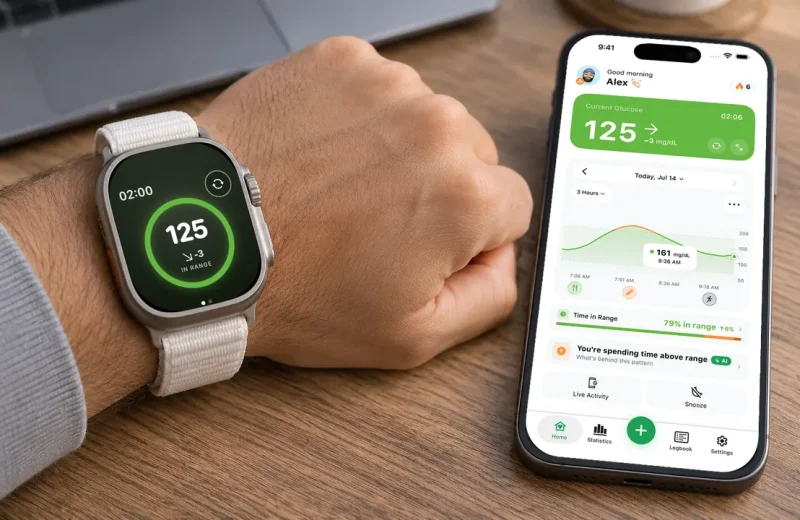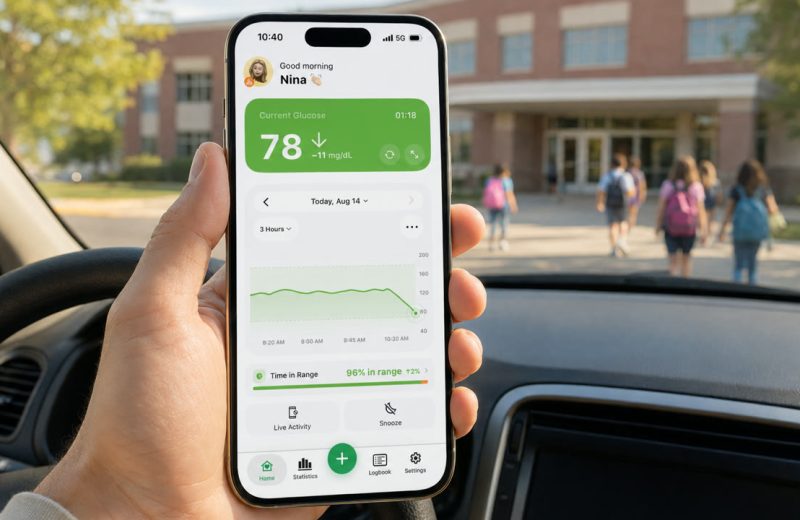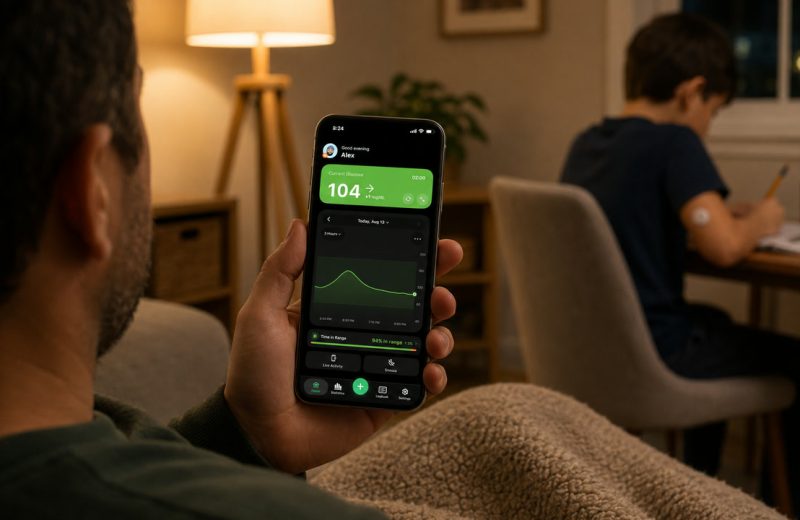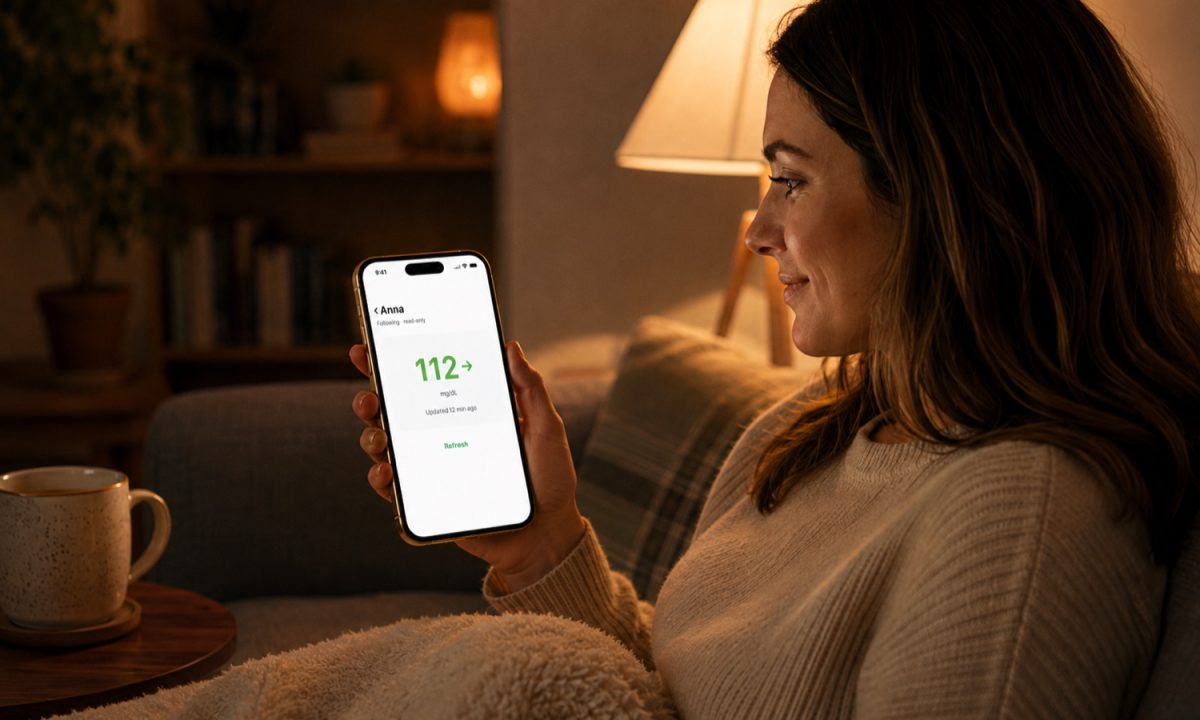
The short version: with a CGM and a follower app, family and caregivers can see a loved one's glucose and receive the same low alerts in real time from anywhere. Agree on shared expectations first: alerts for true emergencies, not every wiggle.
To help someone with diabetes from a distance, follow their CGM. Remote glucose monitoring puts their readings and trend arrows on your own phone within a few minutes, lets you set your own low and high alerts, and works best when you have agreed in advance what earns a text, a call, or nothing at all. That balance matters for parents of children with type 1 diabetes, partners and spouses, adult children following older parents, and any caregiver who wants to support someone with diabetes without taking over decisions that belong to them and their healthcare team.
Remote glucose monitoring means the CGM one person wears sends its readings on to someone else’s phone, usually within a few minutes. As the caregiver you see the same number and the same trend arrow, and you can set your own high and low alerts on top of theirs. This guide covers how sharing works with FreeStyle Libre, Dexcom and Nightscout, how to read the numbers and arrows, which alerts should reach you, what to do when the data goes stale, and the practical questions about distance, phones and more than one follower.
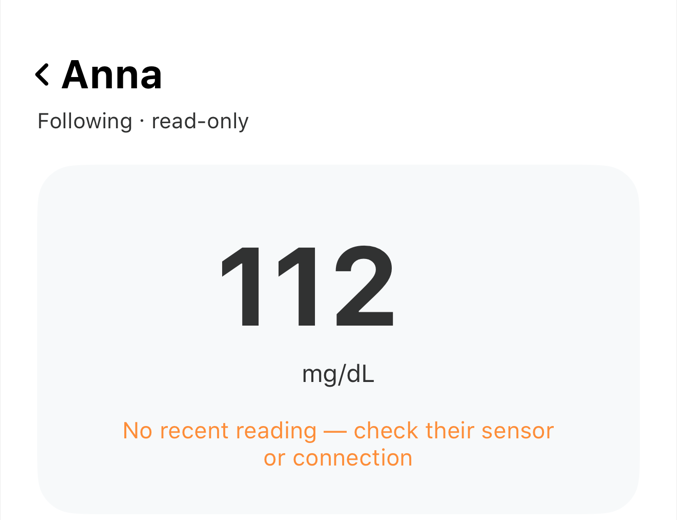
The part people miss is that this sharing travels over the internet, not over the sensor’s short Bluetooth link. If the wearer’s phone dies or loses signal, your screen simply goes quiet. Quiet looks like calm. It is not the same thing.
Four things worth knowing before you start following someone:
- Shared data arrives with a small delay, so treat every remote number as a few minutes old.
- Keep the loud alerts for lows and be stingy with the rest, or you will stop hearing any of them.
- No data is not good news. Check the timestamp on the last reading before you relax.
- Decide together, out loud, what earns a text and what does not.
On this page
How remote glucose monitoring reaches your phone
Three links have to hold: sensor to the wearer’s phone over Bluetooth, that phone up to a cloud service, then the cloud service down to your app. Break any one and following stops, even though the sensor itself keeps working.
A continuous glucose monitor reads glucose in the fluid just under the skin and produces a new value every few minutes. FreeStyle Libre passes those values to followers through LibreLinkUp. Dexcom does it through Dexcom Share. People who run their own Nightscout site host the data themselves and hand out access.
Followers usually sit a few minutes behind the wearer. That gap is normal and rarely matters, with one exception: during a fast drop, the person in front of you is always slightly ahead of the number on your screen.
Who leans on remote monitoring most
Three groups get the most out of it, and they use it in noticeably different ways.
- Parents of children with type 1 diabetes, who want a quiet way to see school hours, sports practice and sleepovers without calling the office (our guide to monitoring a child’s glucose at school walks through the setup and the school nurse conversation).
- Adult children of older parents, where the concern is often blunted symptoms rather than a missing carb count.
- Partners and spouses, mostly for the overnight hours, when a low can arrive with nobody awake to notice it.
Support helps most when it matches what the person actually wants, and the needs split cleanly. Parents tend to want all-day visibility. Partners often want almost nothing during the day and one reliable alert at 3 a.m.
What does a caregiver need to know about blood sugar levels?
Two reference points cover most situations. The 2019 International Consensus on Time in Range uses 70 to 180 mg/dL (about 3.9 to 10 mmol/L) as the general target range for most adults with diabetes, and the American Diabetes Association describes glucose below 70 mg/dL as low. Personal targets are set with a care team and may differ.
The number alone tells you half of what you need to know about blood sugar levels. Direction tells you the rest. A reading of 96 mg/dL with a flat arrow is an ordinary afternoon; the same 96 with a steeply falling arrow is a different situation, because the value is already near the floor and moving.
What you do not need is a treatment opinion. Your job is to notice, ask and be available. Decisions about food, activity and medicines stay with the person wearing the sensor and their healthcare provider.
Which blood sugar alerts should actually reach you?
Set your low alert loud and your high alert quiet, at least for the first few weeks. Highs almost never need a second person in the middle of the night. Lows sometimes do.
Alarm fatigue is the classic failure mode, well enough known that a 2013 paper on diabetes device alarms was titled “Turn it off!”. Someone turns on every threshold, gets buzzed twenty times a day, mutes the phone. Then the one alert that mattered lands in silence. Asymmetric settings are the fix: urgent low gets a sound that overrides everything, high glucose gets a badge you look at when you next pick up your phone.
Nighttime lows are my own long-running problem. There have been nights when a single alarm did not wake me, which is exactly why I wanted a second independent layer on top of the sensor’s own app, and why a forecast that warns while I am still in range matters to me personally. That is the part of Sugar Sense I use hardest myself: a predictive heading-low alert that can reach a family member’s phone, not just mine.
Boundaries beat surveillance
The technology fails fastest when consent is missing. Before the first alert fires, agree on which alerts reach you, during which hours, and how you will make contact when one does. The person may also want to keep parts of their care private, and that is theirs to decide.
Teenagers deserve a specific conversation here. They are building independence, and a parent commenting on every reading teaches them to hide numbers rather than share them. Watching patterns over a week is useful. Reacting to individual dots is not.
A few habits keep it healthy: resist narrating what you see, let the person lead their own day, and open with a question instead of a verdict. “Do you need anything?” lands very differently from “You’re 240 again.” If they want to talk about how the whole thing feels, listen first. That is real emotional support, and it costs nothing. Noticing effort and small wins does more than any comment on a number.
When to act and when to wait
Wait through a shallow dip that is already recovering. Act when a low is holding, when the fall is fast and steep, or when the person is not answering you at all. If you do reach them and they sound confused or their speech is off, that is a reason to act, not to wait.
Overnight is the hour that worries caregivers most, and reasonably so. Knowing the warning signs of nighttime hypoglycemia in advance is worth more than any alert threshold you pick, because it tells you what you are actually looking for when you walk into the room.
Hypoglycemia first aid is not complicated, and the American Diabetes Association lays it out: fast-acting glucose first, a recheck after about fifteen minutes, glucagon if the person cannot safely swallow, and emergency services if they are unresponsive. The caregiver’s version is simpler still: know where the supplies are and who can get there.
Write the plan down while everyone is calm. It only needs four lines:
- What number or trend means “text me back within ten minutes.”
- Who else is nearby and can physically get to the person.
- Where fast-acting glucose and emergency glucagon are kept, and who knows how to use it.
- Which situations mean calling emergency services rather than texting again.
Then take the borderline cases to the care team. Thresholds, patterns and anything that looks like a repeating overnight trend belong in a clinic conversation, not in a guess made at 4 a.m. Going along to an appointment, if the person wants you there, is often the easiest way to get those questions answered.
Frequently asked questions
Does distance affect remote glucose monitoring?
Once the wearer’s phone has uploaded a reading, it travels over the internet, so a follower in another country sees it at the same time as one in the next room. Distance drops out of the equation. A working connection on both phones does not.
Does the person wearing the sensor need to keep their phone with them?
With Libre and Dexcom sharing, the wearer’s phone is the bridge that uploads data to the cloud, so yes, it has to stay close. Leave it charging in another room and the sensor keeps recording locally, but followers see nothing new until the phone is back in range.
Can more than one person follow the same CGM?
Often, yes, though the limit depends on the platform and how the wearer sets up invitations. Two parents, or a partner plus an adult child, is a common arrangement. Each follower normally controls their own alert settings, and that is what makes split coverage overnight possible.
How often should I check on someone with diabetes remotely?
Less often than the app makes possible. Let the alerts you agreed on do the watching, look at the day or the week as a whole rather than every reading, and keep the hours you said you would keep. Checking on a family member’s glucose from your own phone works when it replaces a worried phone call, not when it becomes one.
Everything above is general education from someone who lives with type 1 diabetes, not clinical guidance for your situation. A follower app shows you a copy of the data and never replaces the CGM itself or the alarms built into it, and anything touching insulin, food rules or alert thresholds belongs to the person’s healthcare team. Our full disclaimer spells out the limits.