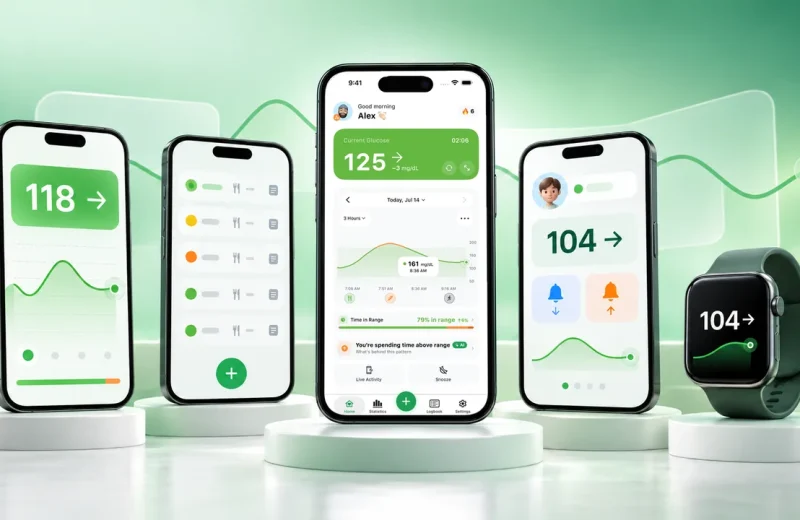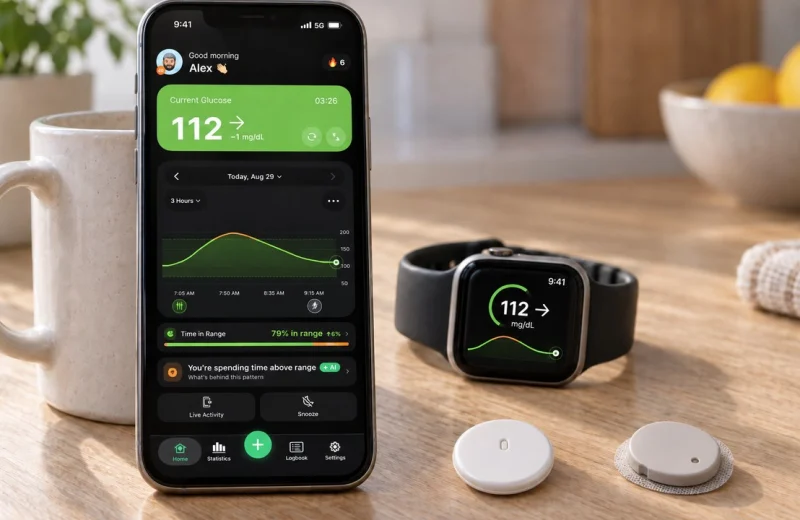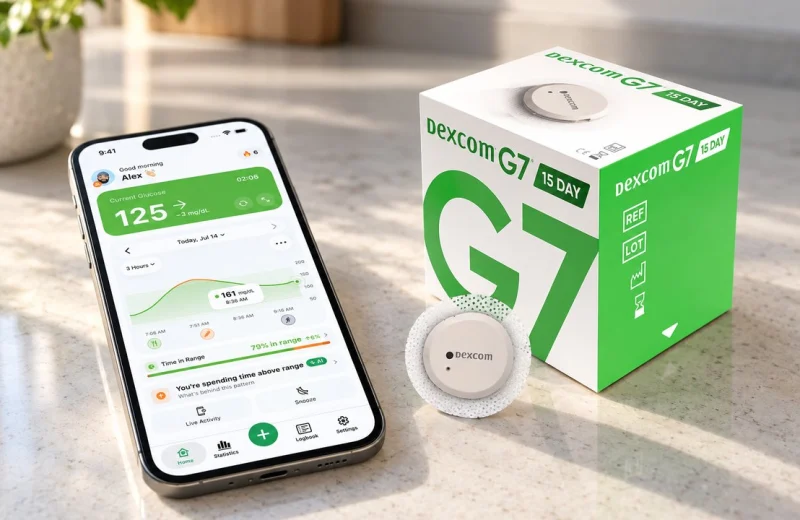
The watch says 96 mg/dL (5.3 mmol/L). The arrow points straight down. Nothing has alarmed, because nothing has crossed a line yet.
Urgent Low Soon is Dexcom’s name for a predictive low glucose alert, and the idea is the same in every app that offers one: instead of waiting for your reading to cross the low limit, it measures how fast you are falling, projects that trend forward, and warns while there are still minutes to act. The warning window is usually about 15 to 20 minutes. Those minutes are the whole point.
For anyone with type 1 or type 2 diabetes on a CGM, and for the parents and partners following someone remotely, the minutes matter most at night and after exercise, when symptoms are easy to miss. This guide covers how the forecast works, Dexcom’s three low alerts and how they differ, where the lead time pays off, setup, and the blind spots.
The quick version, before the detail:
- A standard low alarm reacts to a number. A predictive alert reacts to a slope.
- Most warning windows sit around 15 to 20 minutes ahead of your low threshold.
- A fast drop triggers it from higher up; a slow drift may not trigger it at all.
- Nights and post-exercise hours are where the extra minutes pay off most.
- It sits on top of your standard low alarm, never in place of it.
On this page
How does a predictive low glucose alert work?
It runs on rate of change. The app takes your recent CGM readings, works out how many mg/dL per minute you are dropping, extends that line forward in time, and alerts when the projected line crosses your low threshold inside the warning window.
Here is what that looks like with real numbers. Say your low limit is 70 mg/dL (3.9 mmol/L) and you are sitting at 105 mg/dL (5.8 mmol/L), falling about 3 mg/dL every minute. That is a 35 mg/dL gap, so the projection lands you at the threshold in roughly 12 minutes. The alert fires now, at 105, while the number on screen still looks unremarkable.
Two inputs decide everything:
- How close you already are. The nearer your current reading is to the limit, the smaller the drop needed to set off the warning.
- How fast you are moving. A steep fall triggers the alert from much higher up. A gentle drift may never trigger it.
This is the same information behind the trend arrows on your CGM, just read automatically and continuously instead of whenever you glance at your phone. Dexcom’s version on the G6 and G7, called Urgent Low Soon, is documented as warning when the reading is predicted to reach 55 mg/dL (3.1 mmol/L) within 20 minutes. Other apps let you pick the threshold and sometimes the window.
Urgent Low, Urgent Low Soon and Fall Rate: Dexcom’s three low alerts
Dexcom users meet three different low alerts, and the names are easy to blur. Dexcom’s own comparison draws the lines. Urgent Low fires when the reading itself is at or below 55 mg/dL (3.1 mmol/L). Urgent Low Soon is the forecast: it fires when the trend says you will reach 55 within 20 minutes, even if you are still at 90. The Fall Rate alert is about speed alone: it sounds when glucose is dropping 2 or 3 mg/dL per minute, whichever setting you choose, regardless of the number you are at.
In practice they stack. A fast fall from 140 trips Fall Rate first, Urgent Low Soon once the projection reaches 55, and Urgent Low if the number gets there anyway, with your own low alert (the one you set, often 70) sitting alongside all three. Each has its own sound and settings in the Dexcom app. Sugar Sense’s heading-low alert plays the Urgent Low Soon role for Libre and Nightscout wearers too.
Where the extra minutes matter most
Lead time changes a low from an emergency into an errand. The American Diabetes Association classifies a glucose below 70 mg/dL (3.9 mmol/L) as level 1 hypoglycemia and anything below 54 mg/dL (3.0 mmol/L) as level 2, the range where thinking clearly gets hard and outside help may be needed. Every minute of warning is a minute spent above that second line.
Nights are the classic case. Sleep blunts the usual warning symptoms, and the NIDDK notes that hypoglycemia can happen while you sleep without waking you. There have been nights when a single alarm did not wake me. That is why I wanted a warning that starts earlier, while there is still time to act. An alert that goes off at 95 mg/dL and falling has a better chance of pulling you out of sleep early than one that waits for 65. It can also reach a partner or parent through a shared feed, which is the practical heart of remote glucose monitoring for caregivers.
Exercise is the other one. Activity can drive glucose down quickly, and the drop often continues for hours after you stop, sometimes deep into the night. Because a predictive alert keys off speed rather than a fixed number, it tends to catch these declines early. The broader case for early warnings is covered in why real-time glucose alerts matter.
Setting up a heading-low alert that actually reaches you
Four steps cover it in almost any app. Set the threshold, turn the predictive alert on as a separate toggle, choose the warning window if you get one, then test that the sound reaches you in the dark.
- Pick your low threshold with your care team. Everything else is built around this number. Many people work from 70 mg/dL (3.9 mmol/L), though someone with hypoglycemia unawareness may be advised to set it higher.
- Switch on the predictive or heading-low alert. It is nearly always a separate setting from the standard low alarm, and it is off by default in plenty of apps.
- Choose the window if the app allows it. Longer windows warn you earlier and fire more often. Shorter windows are quieter and leave less room to act.
- Test it at night volume. Silent mode, Focus modes, Do Not Disturb and a phone left face down in another room all quietly undo good alert settings. Critical alert permissions, where an app offers them, are what let a warning through a muted phone.
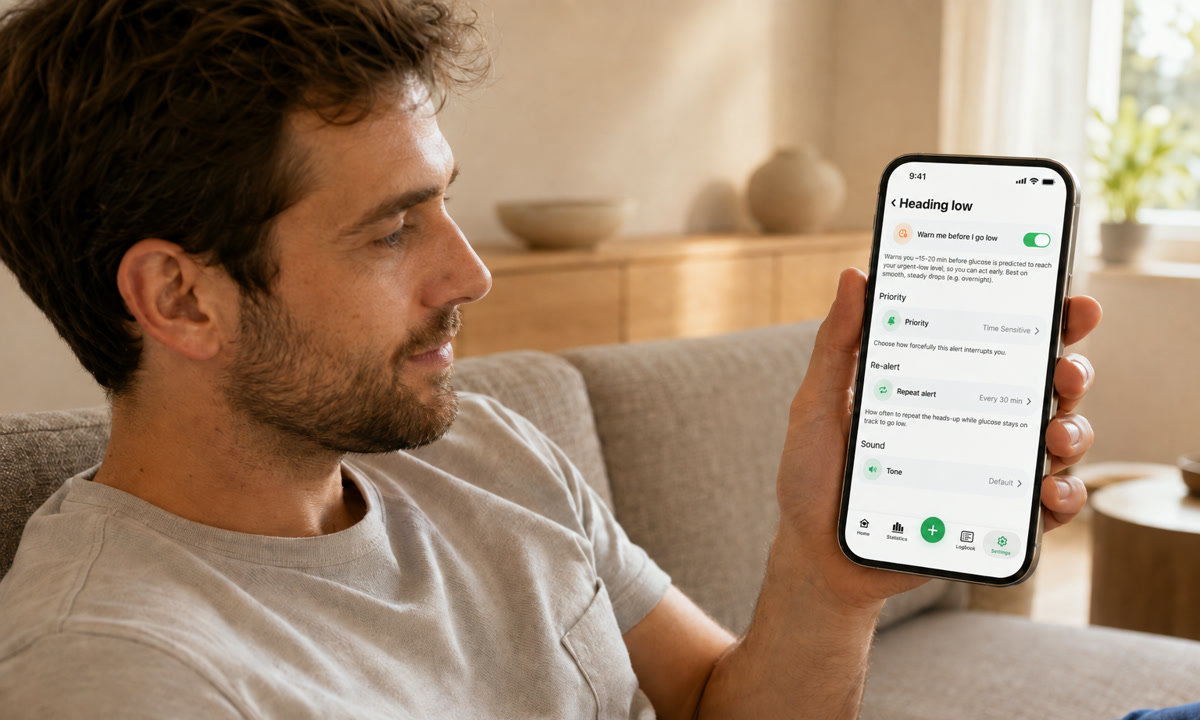
Sugar Sense includes a predictive heading-low alert next to the standard high and low ones. It looks about 20 minutes ahead, fires when the projection says you will cross your urgent-low threshold, is on by default, and mirrors to an Apple Watch so the tap lands on your wrist rather than in a jacket pocket. You can see how the alerts are set up here.
What a predictive alert cannot do
It is an estimate built from a trend line, not a promise. Knowing its blind spots is what keeps it useful.
- Slow drifts slip past. A steady, gentle decline may not look urgent enough to project across the threshold until you are almost there.
- Some alerts turn out to be near misses. A fast fall that levels off at 78 mg/dL still fired the alarm. That is the alert being cautious, and cautious is the correct setting for a low.
- Sensor readings trail your blood. A CGM measures fluid just under the skin, so there is a short lag between blood glucose and what the sensor reports, one reason your CGM and finger stick disagree. The NIDDK covers this in its overview of continuous glucose monitoring.
- Pressure on the sensor can fake a fall. Lying on the sensor overnight can produce a temporary dip that looks exactly like a real drop to the prediction.
- Some medicines blunt the symptoms. Beta blockers, among others, can mute the shakiness and racing heart that usually announce a low, which is a reason to keep alerts on, not a reason to trust any single one blindly.
None of this replaces the alarms built into your CGM system. Treat a predictive alert as the first heads up, then confirm and act the way you and your clinician have planned.
Frequently asked questions
What does it mean when my Dexcom says Urgent Low Soon?
That the app has projected your current fall forward and expects you to reach 55 mg/dL within about 20 minutes. Your number may still look fine; the arrow and the speed are what triggered it. It is the moment to check the number, the arrow and how you feel, and to start your low plan early rather than wait for the Urgent Low alarm.
What does “55 mg/dL within 20 minutes” mean?
55 mg/dL (3.1 mmol/L) is just above the ADA’s level 2 hypoglycemia line, the point where thinking clearly gets hard, and 20 minutes is how far ahead Dexcom’s forecast looks. Together they are the trigger condition for Urgent Low Soon: the alert fires when the trend line reaches 55 inside that window, whatever the current reading is.
Why does my Dexcom keep saying I’m low?
Three usual reasons. Forecasts that level off: a fast fall that flattens at 78 still fired the alert, and that is the alert being cautious. Compression lows: sleeping on the sensor produces a dip that looks real to the forecast. Real repeated lows: if a finger stick agrees more often than not, the pattern belongs in a conversation with your care team, and the nighttime hypoglycemia guide above covers the overnight version.
How fast can blood sugar drop?
Fast enough that the arrow matters more than the number. On Dexcom’s arrow scale a single arrow down means falling 2 to 3 mg/dL per minute and a double arrow more than 3, which takes you from 100 to 70 in about ten minutes. Exercise, alcohol and insulin that is still active are the usual accelerators, and that speed is exactly what a predictive alert is built to catch.
How much warning does a predictive low alert give?
Most apps aim for roughly 15 to 20 minutes ahead of your threshold, though the real number depends on how fast you are falling. A steep drop compresses that window to a few minutes. A gradual one stretches it out.
Should I keep my regular low alarm on as well?
They do different jobs, so the standard setup keeps both running. The predictive alert gives you the head start. The threshold alarm is the backup that fires if you cross the line anyway, either because you missed the first one or because the drop was too quick to forecast.
Why did I get a predictive alert but never go low?
Falls level off. Food you already ate starts absorbing, activity stops, or the sensor recovers from brief pressure, and the projected line never gets to your threshold. A warning that occasionally does not pan out beats a low that arrives unannounced.
Does every CGM offer a predictive low alert?
Dexcom systems include Urgent Low Soon, Eversense 365 offers predictive alerts of its own, and Medtronic’s MiniMed systems carry an alert-before-low inside SmartGuard. FreeStyle Libre apps center on threshold alarms, and Nightscout setups can be configured with prediction rules. So no, it is not universal. Companion apps can add a heading-low warning on top of whichever sensor you already wear.
Everything here is general education, not medical advice, and no prediction can catch every low. A companion app runs alongside your CGM and its built-in alarms rather than standing in for them, so keep the device alerts on. Your thresholds, your treatment plan and any change to either belong in a conversation with your clinician, and our full disclaimer spells out the rest.