A relative notices Blood Oxygen and ECG on your watch, then asks why it cannot just read your sugar too. Or an ad shows a sleek watch promising glucose numbers with no needles, no sensor, no prescription. And the price looks almost reasonable.
No Apple Watch, including the newest Series and Ultra models, can measure blood sugar by itself. There is no glucose sensor inside any of them. Every real glucose number on an Apple Watch comes from a continuous glucose monitor worn on your body, which sends readings to your phone or straight to the watch by Bluetooth.
If you use an Apple Watch and want to follow glucose on your wrist, or you are comparing wearable options before buying, this guide explains what the watch can and cannot do, why measuring glucose through skin is still technically difficult, which no-prick claims have drawn FDA warnings, how CGM data gets to the watch, and the setup tips, benefits, and limits that matter in daily use.
Bottom line up front: the watch is a screen and an alarm, not a measuring instrument. Pair it with a CGM and your wrist becomes genuinely useful; buy a watch that claims to measure sugar on its own and you have bought a guess.
On this page
Does any Apple Watch Series measure glucose natively?
None do. Apple has never shipped a glucose sensor in any Apple Watch, and has never claimed to. The optical sensors on the back of the case read heart rate and blood oxygen using light bounced off blood in your wrist, and there are electrical sensors for ECG plus a temperature sensor for wrist temperature at night. Nothing there touches glucose.
The company has worked on non-invasive glucose sensing for years, and reports about that research keep surfacing, describing an integrated system of sensors and algorithms for non-invasive monitoring. Research is not a product. Whether future Apple Watch Series models will finally get glucose sensing is the question people keep asking, and until Apple announces a cleared feature and the FDA publishes the paperwork behind it, treat every rumor as a rumor.
Here is the part people miss. Even if Apple shipped glucose sensing tomorrow, it would need regulatory clearance before anyone could use it for a decision about food, activity or medication. That is a high bar, and it is the reason the field has stayed empty for so long.
Why measuring sugar through skin is so hard
Glucose sits in your blood and tissue fluid at very low concentrations, and it has no strong, unique optical signature that survives skin, sweat, hair, tattoos and movement. Heart rate is easy by comparison: blood pulses, light flickers, math follows.
Glucose does not pulse. Anything trying to read it through skin has to pull a tiny signal out of a mountain of noise that shifts with hydration, temperature, pressure and how tightly you wear the band. That is why current CGMs place a thin filament just under the skin and measure glucose in interstitial fluid directly. Even that direct approach lags behind blood by several minutes and needs warmup time, part of why a CGM reading and a finger stick rarely match exactly.
What the FDA says about smartwatches that claim to measure blood sugar
In February 2024 the FDA issued a safety communication warning people not to use smartwatches or smart rings that claim to measure blood glucose without piercing the skin, stating that the agency has not authorized, cleared or approved any such device. The warning applies to any brand, any seller, any marketplace listing.
The concern is not that the gadget is useless. It is that a wrong number can look fine even when it is dangerously wrong. Someone treating a fake reading of 60 mg/dL (3.3 mmol/L) that is actually 180, or ignoring a real low because the watch says 110, can end up in real trouble. You can read the notice yourself on the FDA safety communication page.
Warning signs in a listing worth spotting fast:
- “Non-invasive blood glucose” or “laser blood sugar” claims that promise some special way to measure sugar without a body-worn sensor
- No named manufacturer, no model number, no clearance reference
- Claims to also read blood pressure, uric acid and blood lipids from the same wrist optics
- Sold only through social ads or marketplace resellers, never a pharmacy
A genuine CGM has a manufacturer, an FDA clearance history and an official wear period printed on the box. A knockoff watch has stock photos.
How CGM data actually reaches your wrist
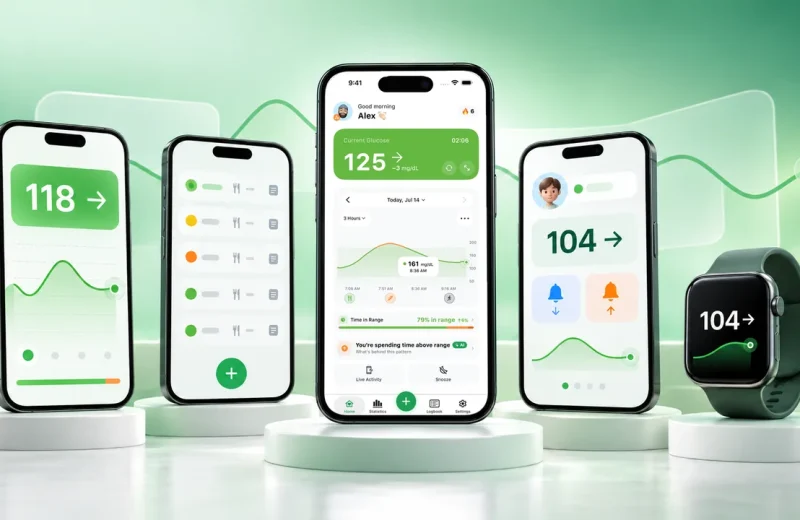
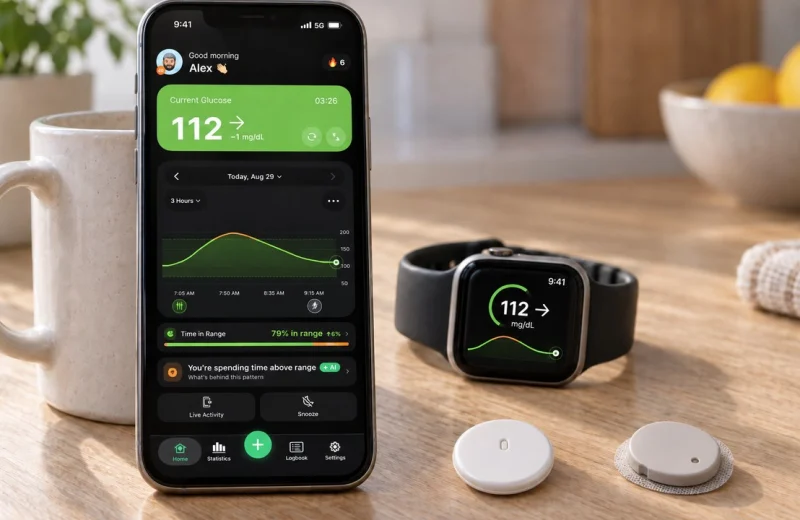
Real glucose on an Apple Watch travels one of two ways. Either the CGM transmitter sends readings by Bluetooth to your iPhone and an app on the watch mirrors them, or the transmitter talks to the watch directly so numbers keep arriving when your phone is out of range.
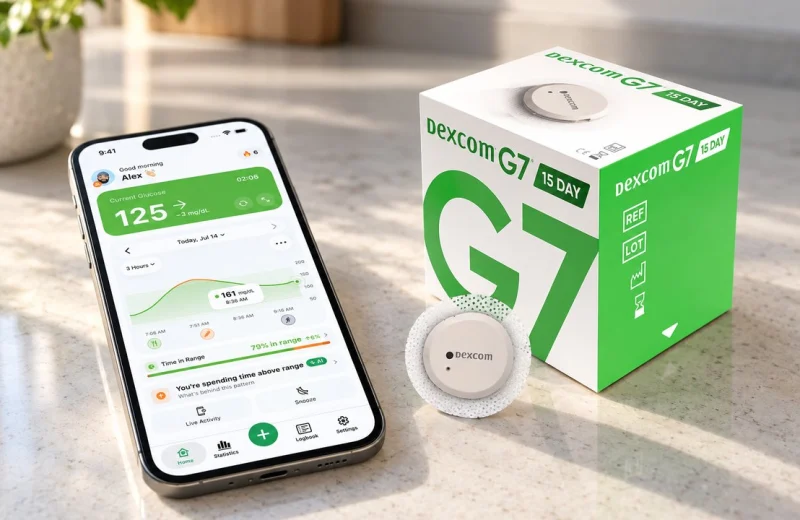
Both Dexcom G7 and FreeStyle Libre 3 Plus support direct-to-Apple-Watch connections in their own apps, though setup details and which sensor you pair to which device differ between them. Dexcom documents its watch support on Dexcom’s site, and Abbott does the same for Libre on the FreeStyle Libre site. Choosing between the two ecosystems? Our Libre 3 Plus and Dexcom G7 comparison goes through the practical differences.
Three things follow from this architecture, and they explain most wrist complaints:
- Your watch is never the source of truth. It shows what the sensor sent. If the number looks wrong, the answer is at the sensor, not the watch.
- Gaps are normal. Bluetooth drops, phones go into low power mode, apps get restarted by iOS. A stale number on the face usually means a broken link, not a broken sensor. Our guide on an Apple Watch that stops updating walks through the usual causes.
- Alarms depend on the whole chain. The CGM’s own app and alarms remain the primary safety layer. Anything on your watch sits on top of that.
Getting blood glucose levels onto the watch face
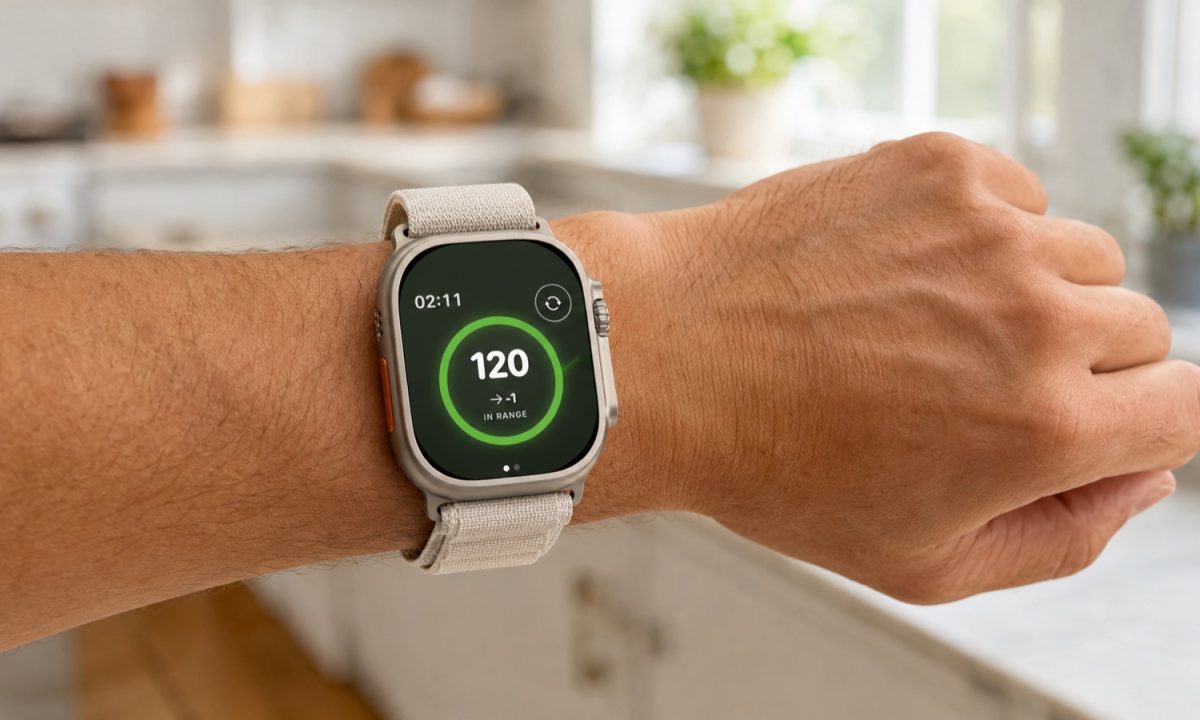
Add a complication. On iPhone, open the Watch app, pick the face you use, tap a complication slot and choose your CGM app or companion app. On the watch itself, long press the face, tap Edit, swipe to the complications screen and select it there. Some glucose monitoring apps need you to install or update the app on both the iPhone and Apple Watch before the complication appears.
A few choices make the difference between a face you glance at and a face you ignore:
- Pick a face with room for a large complication. Modular and Infograph Modular show a number big enough to read without focusing.
- Put glucose in the slot your eye lands on first, usually the center or the top.
- Keep a trend arrow visible if the app offers one. Some apps also show a small graph for a quick trend review. A number without direction tells you half the story, so what each trend arrow means is worth knowing cold.
- Check that the face you customized is the one actually on your wrist. People edit a face they never switch to, then wonder why nothing shows.
For the full walkthrough, including Watch app permissions, see our dedicated guide to seeing CGM glucose on your Apple Watch, which covers the common issues when a complication goes blank and the updates that have made these displays work more reliably.
What a watch is genuinely good at
A wrist display is not the measuring instrument, but when paired with a CGM it can still be a useful way to monitor glucose. What it does is shorten the distance between a change in your glucose and you noticing it, which is most of the practical value of a CGM in the first place.
In a meeting, on a bike, mid-workout, hands full of groceries: glancing at a wrist costs a second, digging out a phone costs a minute and sometimes does not happen at all. Wrist access like this is part of why CGMs help millions of people with diabetes notice changes sooner. A haptic tap for a low is also harder to sleep through than a sound alone, which matters if you have ever slept past an alarm. Alerts that arrive before you feel anything are the whole point, and our piece on why real-time glucose alerts matter explains how much of a difference the timing makes.
Time in Range, the metric most clinicians now review alongside A1C, was defined in the 2019 International Consensus on Time in Range, which set 70 to 180 mg/dL (3.9 to 10.0 mmol/L) as the standard target range for most adults with type 1 or type 2 diabetes (Battelino et al., 2019). Nothing on a wrist changes that number by itself. But noticing a rise at 150 instead of finding out at 260 tends to change what you do next.
If you want CGM numbers and alerts on your wrist from Libre, Dexcom or Nightscout, Sugar Sense does that on iPhone and Apple Watch.
Frequently asked questions
Will a future Apple Watch measure blood sugar?
Nobody outside Apple knows when, or if. Non-invasive glucose sensing has been in research for decades across many companies, and clearing it for medical use is the hard part. Judge announcements, not rumors: a real feature will arrive with regulatory documentation attached.
Are those cheap non-invasive glucose watches ever accurate?
The FDA has authorized none of them, and independent testing of similar devices has found readings that track nothing at all. Some appear to output plausible-looking numbers regardless of the wearer. That is worse than showing nothing.
Do I still need my phone if my CGM connects straight to the watch?
Setup happens in the phone app: sensor pairing, alarm settings, account login. Once things are running, a direct watch connection can keep readings coming while your phone is elsewhere, though the phone app stays the place your full history and settings live.
This article is general education, not medical advice. A companion app on your wrist mirrors data; it does not replace your CGM, its app or its built-in alarms, and it should never be the only thing standing between you and a low. Decisions about food, activity and medication belong with your own clinician, and our disclaimer page spells out the limits of what we publish here. Abbott, Apple, Dexcom, FreeStyle Libre, iPhone, iOS, and Apple Watch names and logos are trademarks of their respective owners.