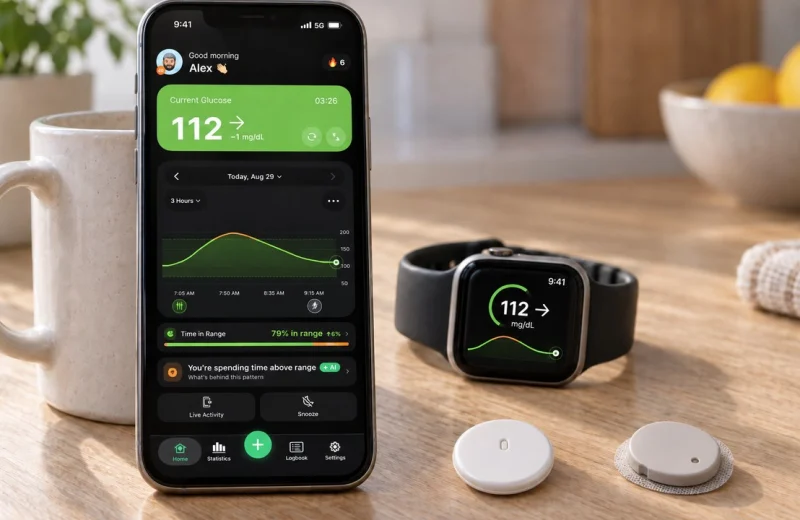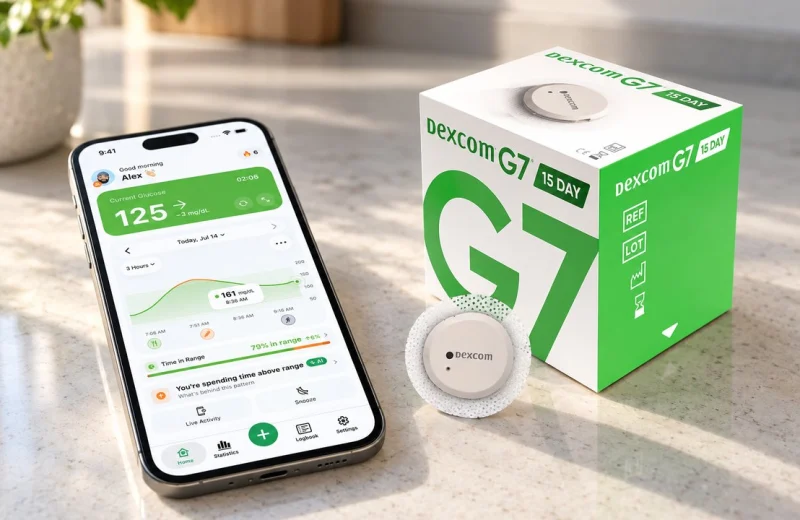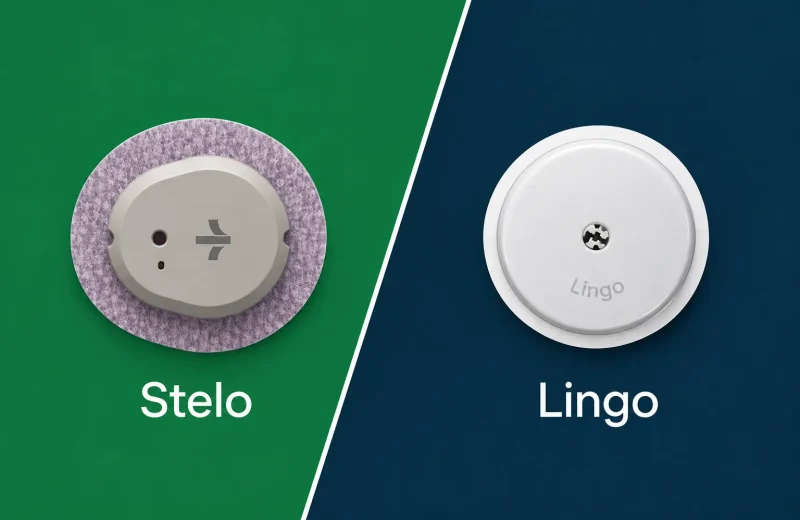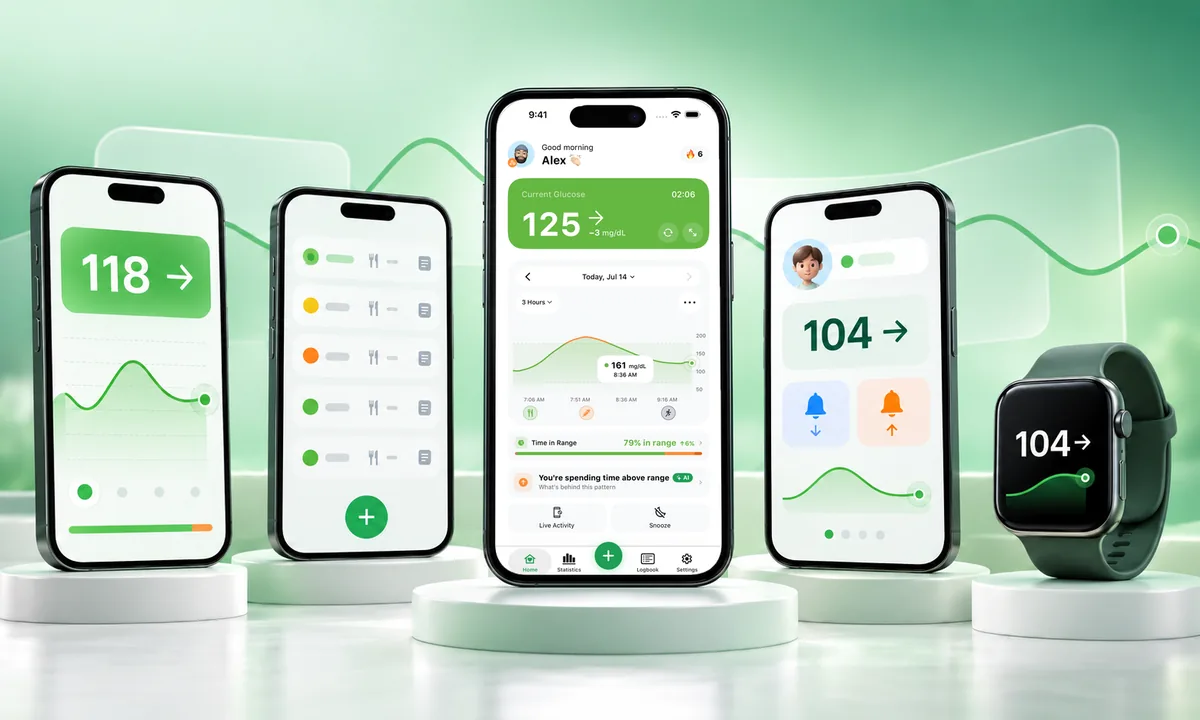
A blood sugar app is software that shows and helps you manage glucose data, either from a continuous glucose monitor (CGM) or from numbers you type in, and almost every one on the App Store or Play Store belongs to one of three groups: the official app from the company that makes your sensor, a manual logger where you enter finger stick readings and notes, or a companion app that pulls your CGM data from the cloud and adds alerts, family sharing or a watch face. The official app is the source of truth. The other two build on top of it.
If you live with type 1 or type 2 diabetes and wear a CGM, follow someone else’s glucose as a parent or partner, or simply want a number on your wrist, knowing which group an app belongs to tells you most of what you need before you install it: where the numbers come from, how fast they arrive, and whether the app can legally tell you anything about treatment. It also explains why the category matters at all. An alert you actually hear, a warning before a low, remote monitoring and an honest Time in Range figure change how many lows get caught, especially overnight.
On this page
The three kinds of blood sugar app
Official sensor apps read the sensor directly over Bluetooth. Manual loggers hold numbers you type. Companion apps read data that has already left your phone and gone through a cloud service, so they always sit a step behind the source.
- Official CGM apps. FreeStyle Libre 3 Plus, the 15-day sensor that is replacing the original Libre 3, runs in Abbott’s FreeStyle Libre 3 app, and in the US Abbott is moving everyone to its newer Libre app, one app for the Libre 2 Plus and 3 Plus that also mirrors readings to an Apple Watch. Dexcom G7, 10 day or 15 Day, uses the Dexcom G7 app. These are regulated as part of the device itself, which is why they are the only apps allowed to be your primary alarm and, on supported systems, to feed an insulin pump. They talk to the sensor with no middleman. Details for each system live on Abbott’s FreeStyle site and Dexcom’s site.
- Manual loggers. You enter finger stick values, carbs, activity and notes by hand. No sensor needed, no cloud account, and any blood glucose meter will do. mySugr is the best-known example, and it also pairs with Accu-Chek meters so the readings arrive without typing. Useful for people not on a CGM at all, and for anyone whose care team wants a written record with context the sensor cannot see.
- Companion apps. These connect to a sharing service (LibreLinkUp for Libre, Dexcom Share for Dexcom, or a self-hosted Nightscout site) and re-present your data: different alerts, a widget, an Apple Watch complication, a family view. Sugar Sense is one of these. So are several others, and I compared the main ones in the best CGM apps of 2026.
One rule cuts through the marketing: no app measures glucose without hardware. If a listing claims your phone camera or fingerprint sensor can read blood sugar, it is not real. Neither watches nor phones do this yet, which I covered in more detail in whether an Apple Watch can measure blood sugar.
What to look for on iPhone and Android
Only one app can hold the Bluetooth connection to your sensor, and both Abbott and Dexcom tie that to one phone at a time: Dexcom lets its receiver run alongside the phone, Abbott makes you choose the app or the reader when you start a sensor. Everything else you run is reading a copy of the data, on either platform.
On iPhone, check three things. Does the app support Critical Alerts, the iOS permission that lets a notification sound through Focus modes and the mute switch? Does it write to or read from Apple Health? And is there a real watchOS app with a complication, not just notifications mirrored to your wrist? Silent mode catches people out constantly. In September 2026 Dexcom’s Australian arm issued a product correction for version 2.12 of the G7 iPhone app over exactly this: only Critical Alerts override Silent Mode, every other alert follows the phone’s settings. I wrote up the exact settings in glucose alarms on iPhone silent mode.
On Android, ask about battery optimization exemptions. Aggressive power saving on some manufacturers’ skins is the usual reason a background glucose app goes quiet. Check Health Connect support too, and whether the Wear OS tile is still maintained. Android gives developers more freedom in the background; it also gives phone makers more freedom to kill apps.
Which features actually matter?
Four features change daily life: alerts you will actually hear, remote family viewing, a glance on your wrist, and honest Time in Range math. Almost everything else on a feature list is decoration.
- Alerts. A low alert is only as good as its volume, its repeat behavior and whether it can warn you before you cross the line rather than after. Predictive alerts that fire while you are still in range buy the most useful minutes.
- Family sharing. Look at how many followers are allowed, whether followers get their own alerts, and how the app shows stale data. A caregiver needs to know the difference between 110 mg/dL and 110 mg/dL from 40 minutes ago. Our caregiver guide to remote monitoring goes deeper on that.
- Watch support. A number on the watch face, whether that is an Apple Watch, a Wear OS watch or a Garmin, removes dozens of phone pulls a day. On an Ultra 2 I have never caught my glucose complication costing me a meaningful part of a battery day, but that is the biggest battery Apple ships and smaller models will behave differently.
- Statistics and logs. Time in Range, average glucose, GMI, plus a place to note what you ate, how you slept or how much physical activity you got: the part of diabetes management the sensor cannot see on its own.
My own reason for wanting a second layer is boring and specific: nighttime lows have been my long-running problem, and there were nights when one alarm did not wake me. That is why an independent alert on my watch, on top of the sensor’s own app, matters to me more than any chart.
One day at 70 to 180 mg/dL, in numbers
The 2019 International Consensus on Time in Range set the standard target range at 70 to 180 mg/dL (3.9 to 10.0 mmol/L) and suggested most adults aim for at least 70 percent of the day inside it, with less than 4 percent below 70 mg/dL. Those percentages become intuitive once you turn them into clock time.
A day holds 1,440 minutes. Seventy percent in range is 16 hours and 48 minutes inside 70 to 180 mg/dL, which leaves about 7 hours spread above or below. Four percent below 70 mg/dL is 58 minutes, so roughly one hour of low per day is the ceiling the consensus panel drew, not a comfortable place to live. My own Time in Range sits around 85 to 90 percent, which works out to about 2.5 to 3.5 hours outside the range daily. Any app worth using should show that in both forms and let you watch it move over weeks, not just days. You can run your own numbers with the Time in Range calculator.
When is a free blood sugar app enough?
For most people, free covers the core: seeing your current number, getting high and low alerts, glancing at a watch, and letting one or two family members follow. Paid tiers usually add reports, longer history, unlimited followers or clinician exports.
Free is enough if you use one CGM brand, want alerts and a wrist view, and your clinic already gets reports from the manufacturer’s own portal. Consider paying when you need long-term data export in a format your team accepts, when several relatives each need their own alert thresholds, or when you want food, activity and insulin logging tied to the graph. If the export is the whole point, look at Tidepool first: it is a nonprofit, free for personal use, and uploads from most meters, CGMs and pumps. Many clinics read the same kind of data through Glooko, the clinic-side platform that covers more than 200 devices. Two red flags cut across every category: an app that asks for money before showing you a live reading, and an app with no clear statement about who sees your data.
Frequently asked questions
Is there a blood sugar app that works without a sensor?
Measuring glucose from a phone alone is not a thing. Without a CGM or a blood glucose meter, the only honest option is a manual logger where you type in finger stick results. Claims about camera-based or watch-based readings are marketing, not cleared technology.
Can I run two glucose apps at the same time?
In most cases you can, with one condition: the official app keeps the Bluetooth link to the sensor, and any second app reads your data through a sharing service. So the companion app runs a minute or two behind. It also stops if sharing breaks.
Do these apps sync with Apple Health or Health Connect?
Syncing is common, though what gets written varies. Some push glucose values; others only read steps, workouts or other physical activity for context. If you use Apple Health as your central record, check the app’s Health permissions screen before assuming anything is flowing in both directions.
Which app is best for a parent watching a child?
The manufacturer’s own follower app is the place to start, since it is part of the cleared system: LibreLinkUp for Libre, Dexcom Follow for Dexcom, which allows up to 10 followers. From there, decide whether you need extras like per-follower alert levels or a school-hours view. Multiple adults following the same child is where companion apps tend to earn their place.
Are free blood sugar apps trustworthy with health data?
Read before you install. Look for a plain privacy policy, a named company, and a clear statement about whether data is sold or shared. MyFitnessPal’s 2018 breach reached about 150 million accounts, and that was a food logger, so the fine print matters for health apps too. The FDA’s digital health guidance treats most wellness loggers as low risk, which leaves the responsibility for reading it with you.
Where our app sits in all this
We built Sugar Sense as a companion app, not a replacement: it reads your Libre, Dexcom or Nightscout data and adds the alerts, wrist view and family sharing I wanted for my own nights. Core monitoring is free because an alert you cannot afford is not an alert.
This article is general education from someone who lives with type 1 diabetes, not medical advice. A companion app sits on top of your CGM and never replaces the sensor, its own app or its alarms, and any change to insulin, food or treatment targets belongs to a conversation with your healthcare team. Our full disclaimer spells out the limits.