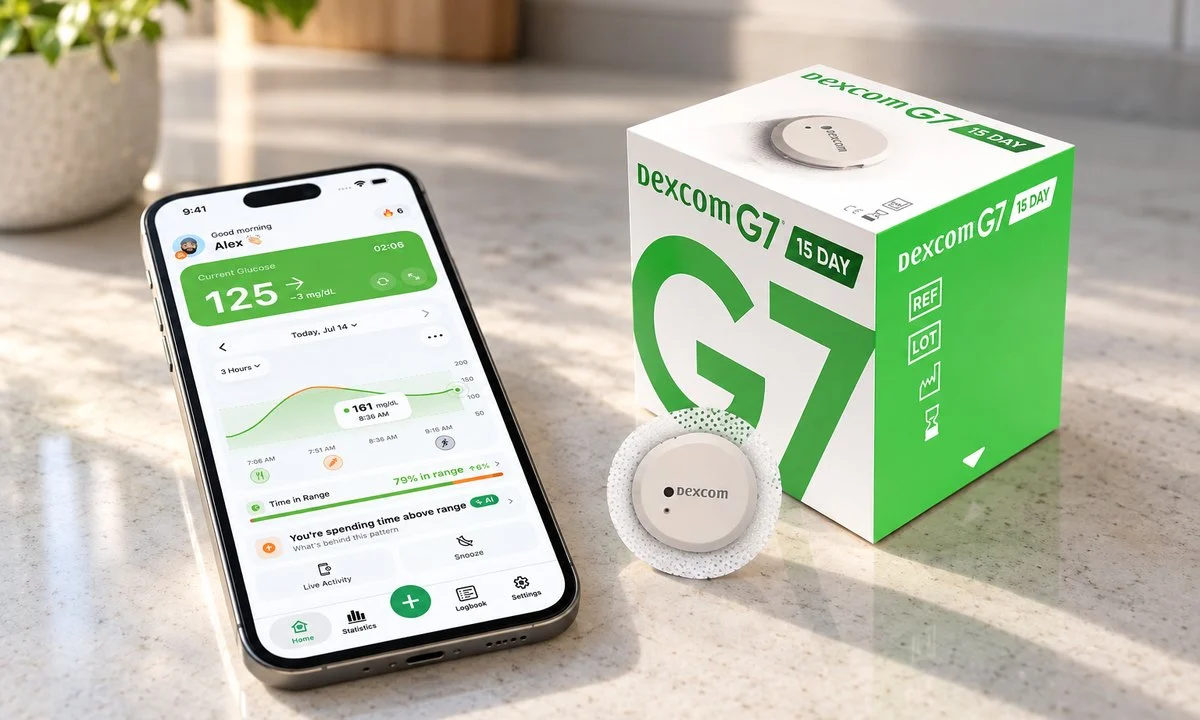
Two boxes in the pharmacy bag, same Dexcom name on both, and one of them says 15 day. Nothing on the outside tells you whether that means a different app, a different prescription, or a different routine.
The Dexcom G7 15 Day is the G7 worn longer, not a redesigned system. Dexcom lists 15 days of wear plus a 12-hour grace period, so up to 15.5 days per session instead of the original G7’s 10.5. The app, the glucose alerts and Dexcom Follow sharing all behave the same way. The FDA cleared it in April 2025. Three things do change on the label, and one of them changes your routine more than the extra days do.
Straight answer: the 15 day sensor differs from the 10 day G7 in three labeled ways. It wears for 15 days instead of 10, it reports a slightly lower MARD, and it is cleared for adults 18 and older only. It also warms up for 60 minutes instead of 30. Everything you already know about starting a session, setting alerts and adding followers carries over unchanged.
On this page
What actually changes between the 10 day and 15 day G7
Session length is the headline, and the sensor itself looks the same: same size, same one-button applicator, same built-in transmitter, same Dexcom G7 system you may already be wearing. Dexcom’s own comparison page lists the rest of the differences, and the table below follows it, Dexcom G7 10 day vs 15 day, row by row.
| G7 (10 day) | G7 15 Day | |
|---|---|---|
| Labeled wear period | 10 days | 15 days |
| Grace period | 12 hours | 12 hours |
| Maximum session | 10.5 days | 15.5 days |
| Warm-up after insertion | 30 minutes | 60 minutes |
| Cleared for | Ages 2 and up | Adults 18 and older |
| Wear site | Back of upper arm (upper buttocks for ages 2 to 6) | Back of upper arm |
| Reported MARD | 8.2 percent | 8.0 percent |
| Separate transmitter | No | No |
| Receiver | G7 receiver | Same receiver after a software update |
| Sensor starts per year | About 35 | About 24 |
MARD means mean absolute relative difference, the usual measure of how closely a CGM sensor’s glucose readings track a laboratory reference. Dexcom describes the 15 Day’s 8.0 percent as its most accurate sensor to date, against 8.2 percent for the original G7. Both figures come from the manufacturer’s own studies, so read them on Dexcom’s spec pages rather than in a forum post. Like the 10 day sensor, the 15 Day reads glucose in interstitial fluid and sends a reading every 5 minutes, with no fingerstick calibration required.
How long a G7 sensor lasts, grace period included
How long does a Dexcom G7 sensor last? A Dexcom 15 day sensor session runs 15 days, then a 12-hour grace period, for a maximum of 15.5 days of wear. The 10 day G7 works the same way with a 10.5 day ceiling. In monthly terms that is about two sensors a month instead of three.
The grace period is not bonus time you should plan around. It exists so the sensor keeps reading while you get to your supplies, which matters if the session ends at 4 a.m. or in the middle of a flight. Your app counts down, warns you as the end approaches, and then stops. A finished session cannot be restarted.
Fifteen days is also the labeled wear of Abbott’s FreeStyle Libre 3 Plus, so a 15 day CGM is no longer a Dexcom-only choice. If you are weighing the two, our Libre 3 Plus vs Dexcom G7 comparison is written by someone who wears both.
When and how can you get the Dexcom G7 15 Day sensor?
The 15 Day version reached the United States market after its April 2025 FDA clearance. It is ordered as its own product, separate from the 10 day G7, so your prescription and your pharmacy or distributor order have to name it. It is cleared for adults 18 and older: if the sensor is for a child or a teenager, the 10 day G7 remains the one to ask for.
Three practical steps if you want to switch:
- Ask your prescriber to write for the G7 15 Day specifically. A refill on your old script will keep sending 10 day sensors.
- Check with your insurer or pharmacy on coverage. Fewer sensors per month can change what a plan approves and what you pay, and Medicare coverage requires a Dexcom receiver.
- Finish the boxes you have. There is no way to convert a 10 day sensor into a 15 day one, and both work in the same app.
Availability outside the US follows each country’s own regulatory clearance, so if you are not in the States, your local Dexcom page is the only reliable source on timing. The FDA’s medical devices section is where clearance records for these systems live if you like reading primary documents.
Does anything change in the app, receiver, alerts or sharing?
Not in the app. Your Low, High, Rising Fast and Falling Fast glucose alerts, the fixed Urgent Low at 55 mg/dL (3.1 mmol/L), the 20-minute Urgent Low Soon warning and the Dexcom Follow app all work exactly as they did on the 10 day sensor, with the same limit of up to 10 followers. Dexcom’s own wording is that beyond wear time, accuracy and age, the two sensors “perform the same and contain the same alert, event logging, and connectivity features”.
Two things to do before your first Dexcom G7 15 Day start. Update the Dexcom G7 app and confirm your phone is on Dexcom’s compatibility list, since an older app build may not recognize the new session length. If you use the Dexcom G7 receiver, keep it, but update its software first: Dexcom’s receiver FAQ explains that the same receiver supports the 15 Day sensor after an update, done through Dexcom Clarity on a computer with the receiver connected to it. Everything else, including your followers and their alert settings, carries over untouched. If you are still working out who sees what, our breakdown of Dexcom Share versus Dexcom Follow covers the split.
Pumps and automated insulin delivery
Connected pump systems need their own approval to work with a new sensor version, so a 15 Day sensor is only usable with an automated insulin delivery system once that pump maker says so.
Do not assume. Check your pump manufacturer’s compatibility page and talk to your diabetes team before you change sensor types or connected devices on a closed-loop setup. If a system does not yet support the 15 Day sensor, the 10 day G7 stays available.
What five extra days looks like over a year
Here is the number that made it real for me. At 10.5 days per session you start roughly 35 sensors a year; at 15.5 days you start about 24. Eleven fewer insertions, eleven fewer boxes to keep track of, eleven fewer times a session ends at an awkward hour.
The warm-up is where the arithmetic turns. Each 10 day start includes a 30-minute warm-up with no readings, around 17 and a half hours of blind time a year. Each 15 Day start includes a 60-minute warm-up, about 24 hours a year. So the longer sensor gives you fewer gaps, not less gap time: roughly six and a half more blind hours a year, spread across gaps that are each an hour long instead of thirty minutes. Plan a start for a time of day when you can spare an hour without data, ideally not bedtime.
Where those gaps land still matters more than how many there are. If you aim for the widely used target of at least 70 percent of the day between 70 and 180 mg/dL (3.9 to 10.0 mmol/L), described in the 2019 International Consensus on Time in Range, 70 percent means 16 hours and 48 minutes inside range every day, and an hour with no data at 10 p.m. is an hour you cannot see. Our guide to reading Time in Range explains how gaps affect the percentage.
Longer wear also puts more demand on adhesive. Dexcom’s own 15 Day explainer reports that 73.9 percent of sensors in its study lasted the full 15 days, which is the manufacturer’s way of saying that about one in four did not reach day 15. I wear every sensor to the end of its official period and I stopped using overpatches because I no longer need them, but sensors still come off early sometimes: I caught one on a door frame, and one of my kids pulled another one off. Fifteen days is five more days of showers, sleeves and door frames. Keep a spare on hand and know Dexcom’s replacement process. Common failures are covered in our Dexcom troubleshooting guide.
Frequently asked questions
How do I know if my G7 is the 10 day or the 15 day?
The box and the applicator label say Dexcom G7 15 Day, and because the 15 Day is sold as its own product, the pharmacy label tells you too. After a start, the app’s sensor countdown shows a 15 day session instead of 10.
Do I need a new receiver for the 15 Day sensor?
No. The Dexcom G7 receiver you already have works with the 15 Day after a software update, which you run through Dexcom Clarity on a computer with the receiver connected to it. Do it before the first 15 Day start. Medicare coverage requires a receiver, and your existing one qualifies after the update.
Can I restart a G7 15 Day sensor after it ends?
Once the 15 days and the 12-hour grace period finish, the session closes permanently. G7 sensors have the transmitter built in and are designed as single-use, so there is no supported restart. You apply a new one.
Is the 15 day sensor more accurate than the 10 day G7?
Dexcom reports an overall MARD of 8.0 percent for the 15 Day version against 8.2 percent for the original G7, a small difference on paper. Both are cleared for treatment decisions without routine finger sticks, though your team may still ask you to confirm with a blood glucose meter when a reading does not match how you feel.
How many G7 sensors is that a month?
About two 15 Day sensors a month against about three 10 day sensors, or roughly 24 a year instead of 35 if you wear each one into its grace period. Box sizes and plan rules vary, so count by days of wear, not by boxes.
Does the 15 day sensor cost more?
Per sensor, the Dexcom 15 day sensor usually costs more. Per month, it depends entirely on your plan. You are buying about 24 sensors a year instead of 35, so check with your insurer or pharmacy before assuming the switch is cheaper or pricier.
Will my followers need to do anything?
Nothing on their end. Dexcom Follow invitations, follower alert settings and the shared graph stay exactly as they are when you start a 15 Day sensor. They will see fewer warm-up gaps between sessions, each one an hour long instead of thirty minutes.
Where our app fits
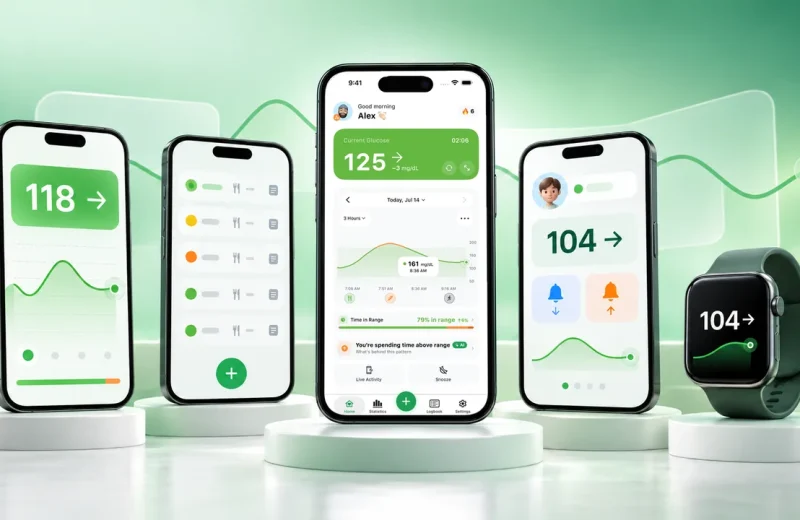
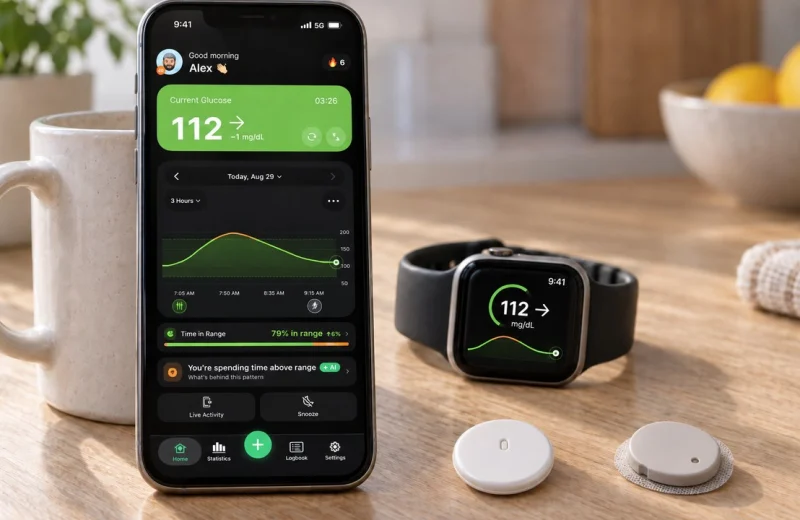
Longer sessions mean fewer data gaps, and a second place to watch the number helps on the days a session ends at an awkward hour. Sugar Sense reads your G7 data through Dexcom Share, on the 10 day sensor or the Dexcom G7 15 Day, and puts it on your iPhone, Android phone and Apple Watch with its own high, low and heading-low alerts, alongside whatever the Dexcom app is already doing.
This article explains how a device is labeled and sold; it is general education, not medical advice. A companion app like ours shows your data but never replaces your CGM, its own alarms or a finger stick when something feels wrong, and any change to your sensor type, your pump setup or your treatment belongs in a conversation with your diabetes team. Our full disclaimer spells out the rest.