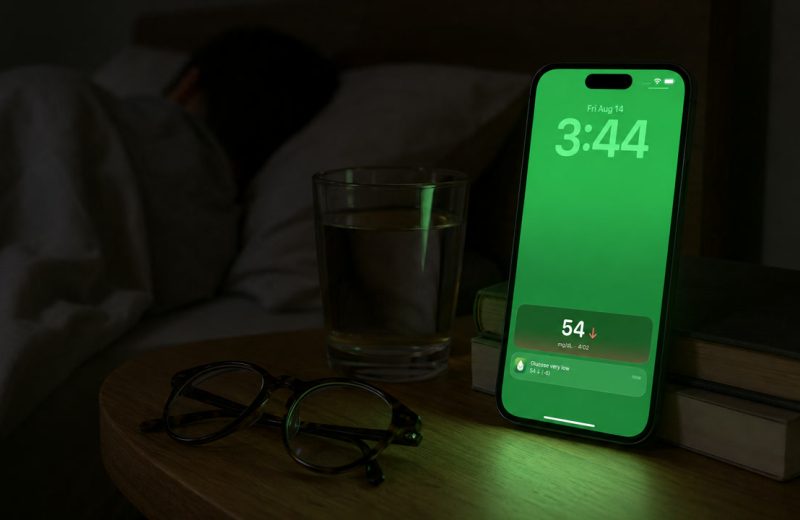
Your partner wakes you at 3 a.m. to ask what your number is. They have no way of seeing it themselves. That gap is what follower apps close.
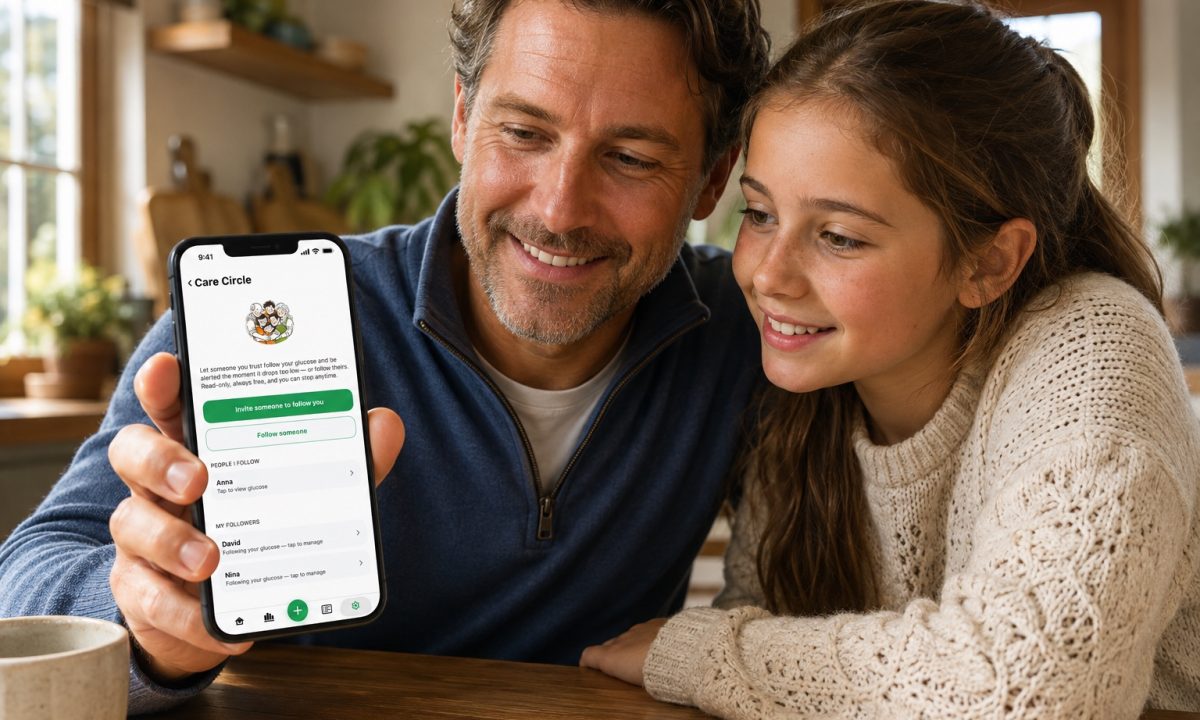
To share FreeStyle Libre 3 data with family, the person wearing the sensor sends email invitations from inside the Libre app on their phone, under Connected Apps. Each family member installs the free LibreLinkUp app and accepts. From then on, approved followers see the current glucose value, a trend arrow and a few hours of history on their own phones.
If you wear a Libre and want someone at home to see your numbers, or you are the parent, partner or caregiver trying to keep an eye on someone else’s glucose, this guide covers the setup, what followers actually see, how much delay to expect, the other ways to share Libre data (including with your clinic), and the questions people ask most.
In one minute: Invites go out from the Libre app on the wearer’s phone and get accepted in LibreLinkUp on everyone else’s. After that the data flows through Abbott’s cloud automatically, and a companion viewer app can pull the same feed into a different display if LibreLinkUp feels too thin.
On this page
What you need before the first invite
Five things have to be in place. The one that trips people up most: a handheld Libre reader cannot send data to anyone.
- An active FreeStyle Libre sensor (Libre 2, Libre 3 or Libre 3 Plus, depending on your country).
- The Libre app on the wearer’s phone (it is called FreeStyle LibreLink, FreeStyle Libre 3 or simply Libre, depending on country and sensor), signed in to a LibreView account.
- The LibreLinkUp app on each follower’s phone, iPhone or Android.
- An email address for every person you want to invite. It has to match the one they use to register.
- Internet on both phones. Sharing travels through Abbott’s servers, not phone to phone over Bluetooth.
If the wearer scans with the reader instead of the phone, those readings stay on the reader. Nothing reaches followers until the phone app is doing the scanning or streaming. Abbott documents this split between the reader and the phone app across its FreeStyle Libre product pages.
Sending the invitation and accepting it
On the wearer’s phone
- Open the Libre app and sign in.
- Open the main menu and tap Connected Apps.
- Find LibreLinkUp and choose Manage.
- Tap Add Connection, then type the family member’s name and email address.
- Send it. The invitation arrives in their inbox as a link.
Followers use their own LibreLinkUp account and never need the wearer’s login. Abbott allows up to 20 connections per wearer.
On the family member’s phone
- Install LibreLinkUp from the App Store or Google Play.
- Create an account with the same email address the invite was sent to.
- Open the invitation and tap Accept.
- The wearer’s glucose appears on their home screen, usually within a minute or two.
You can invite several people. Plenty of households add a partner, a parent and one adult child, so somebody is always awake or nearby. Removing access is just as quick: the wearer opens that same Manage screen and deletes the connection, and the follower loses the feed immediately.
What your family actually sees
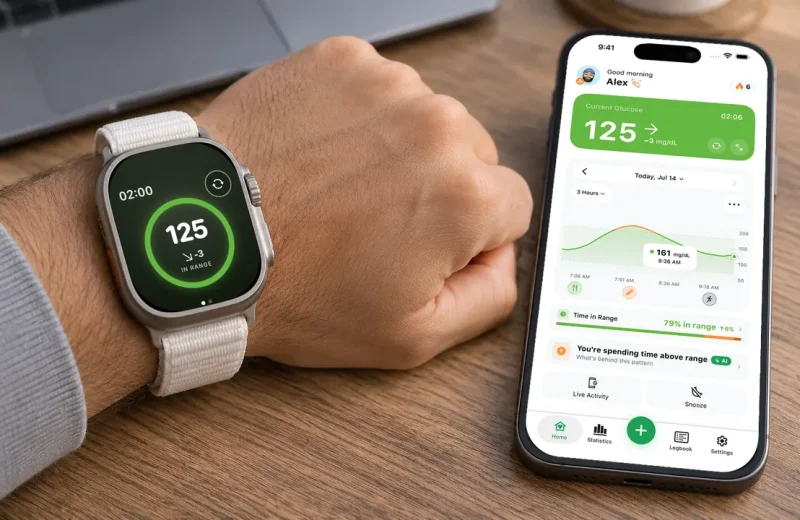
Followers get a viewer, not a control panel. In LibreLinkUp that means the current value in mg/dL or mmol/L, a trend arrow, a short graph of recent hours, and high and low notifications when your glucose crosses the thresholds you set.
That is the whole list. They cannot change your sensor settings, your alarms or anything about your treatment, and they never should be able to. If a follower is new to arrows and keeps reading a flat 190 as an emergency, send them our guide to glucose trend arrows on day one. In most situations the arrow carries more information than the number.
How fast do shared glucose readings reach a follower?
Expect a lag of a couple of minutes on top of the sensor’s own update rate. Libre 3 and Libre 3 Plus stream a fresh value about every minute to the wearer’s phone. That value then has to reach Abbott’s cloud and come back down to the follower’s device before anyone else sees it.
There is a second, quieter delay underneath all of this. A CGM measures glucose in the fluid between cells rather than in blood, so the sensor itself trails a fast change, as the NIDDK explains in its overview of continuous glucose monitoring. Add the cloud hop and a follower’s screen shows a slightly older picture than the wearer’s. Fine for awareness. Not something to treat a low from.
When the feed goes stale, the break is almost always in the chain rather than the sensor: the wearer’s phone lost data, the app got force-closed, or the sensor drifted out of Bluetooth range. Our walkthrough for LibreLinkUp not updating covers the fixes in order.
Ways to share Libre data, side by side
There is no single “share” button in the Libre world. There are four routes plus one add-on, and they do different jobs.
| Option | What it gives | Main limit |
|---|---|---|
| Libre reader (handheld) | Readings and alarms for the wearer | Cannot send anything to followers |
| Libre app | The wearer’s live data and the source of all sharing | Must stay installed, signed in and online |
| LibreLinkUp | Live value, arrow, recent graph, high and low notifications | Libre only, limited display and alert options |
| LibreView | Reports and history a clinic can review | Not real time, not built for family |
| Companion viewer app | Reshapes the same LibreLinkUp feed: custom alerts, watch display | Depends on the same cloud chain, so it inherits the same lag |
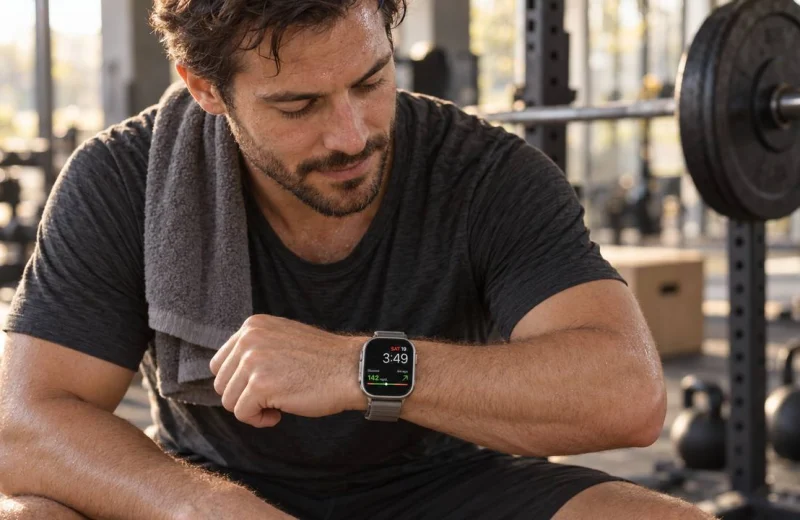
The gaps families hit most often are mixed devices and the wrist. A household where one person wears Libre and another wears Dexcom needs two follower apps, and LibreLinkUp has no real answer for keeping a number glanceable on an Apple Watch. That is the gap Sugar Sense was built for: it signs in through LibreLinkUp, sits alongside Dexcom Share and Nightscout feeds, and puts the same numbers on a watch face with alert thresholds you choose. It reads what you already share. It never replaces your sensor’s own alarms.
Sharing with your doctor instead: LibreView and the practice ID
Family sharing and clinic sharing are two different switches. A clinic does not follow you in LibreLinkUp; it reads your reports in LibreView, Abbott’s web portal, and the link is made with a practice ID, a code your care team gives you. In the Libre app, open the main menu, tap Connected Apps, choose LibreView and enter the practice ID. The same connection can be made on the LibreView website under account settings, My Practices, as Abbott’s patient FAQ describes.
Once connected, your data uploads to the clinic’s account automatically, as reports and history rather than a live number. That is the right tool for a quarterly appointment and the wrong one for a 3 a.m. low, which is exactly why the two routes exist side by side.
Agreeing on what a number means
Before the alerts start firing, decide together which readings deserve a message. Skip that conversation and sharing turns into a stream of texts about numbers that were never a problem.
Take a target range of 70 to 180 mg/dL (3.9 to 10.0 mmol/L), the range used in the 2019 International Consensus on Time in Range published in Diabetes Care. Here is one ordinary day as a follower sees it. 7:30 a.m., 142 with a flat arrow: nothing to do. 12:40 p.m., 187 with one arrow up, forty minutes after lunch: still nothing, that is a meal doing what meals do. 3:15 p.m., 96 with two arrows down: this is the one worth a short text. 11 p.m., 104 and flat: quiet night ahead.
Three of those four readings need no contact at all, and only one of them is even inside the target range. That is the pattern to teach your family.
Nighttime lows have been my own long-running problem for years, and there were nights when a single alarm did not wake me. That is the honest reason I wanted a second layer, and why having someone else able to see the same falling arrow matters more to me than any statistic on the screen.
A few habits keep the whole thing working:
- Leave the Libre app running. Swiping it closed stops the feed for everyone downstream.
- Watch the wearer’s data connection. Airplane mode, a dead battery or a hotel with no signal all pause sharing silently.
- Set follower thresholds wider than the wearer’s. Family does not need the same alerts you do, and alarm fatigue is real on both sides.
- Review access twice a year. Old followers stay connected until someone removes them.
If you are the one doing the watching rather than the wearing, our caregiver’s guide to remote glucose monitoring gets into the harder part: staying useful without hovering.
Frequently asked questions
What is the difference between the FreeStyle Libre app and LibreLinkUp?
The Libre app (FreeStyle LibreLink, FreeStyle Libre 3 or Libre, depending on where you live and which sensor you wear) is the wearer’s app: it starts the sensor, shows the live reading and holds the alarms. LibreLinkUp is the follower’s app: it shows a copy of that data on someone else’s phone and can push its own high and low notifications. One person, one Libre app; up to 20 people in LibreLinkUp.
Can you link FreeStyle Libre to two phones?
Not the wearer’s app. Abbott’s support pages say the FreeStyle Libre 3 app is meant for one sensor, one person and one phone at a time, and the same rule applies to Libre 2. The second phone runs LibreLinkUp instead, and that app can be logged in on several phones at once, each receiving the notifications.
How do I add someone to my Libre 3 account?
You do not add them to your account; you invite them from it. Main menu, Connected Apps, LibreLinkUp, Manage, Add Connection, then their name and the email address they will register with in LibreLinkUp. They accept the emailed invitation, and the connection appears in the same Manage list, where you can also remove it.
Can two people share one sensor?
No. A sensor is started by one person’s app and reads one person’s glucose. Sharing means letting others view that data, not taking turns with the sensor. Each person who wants readings needs their own sensor, and each can invite their own followers.
Can I share Libre readings without the internet?
Sharing needs a live connection on both ends, because the data travels through Abbott’s cloud rather than directly between phones. Readings keep saving on the wearer’s phone while it is offline, and followers see the backlog once the connection returns.
How many family members can follow one Libre sensor?
Abbott’s cap is 20 connections per wearer, and most households never come close to it. Send a separate invitation for each person from the Manage screen in the Libre app, using the exact email address they will register with in LibreLinkUp. Wrong address, no connection.
Do followers get alerts or only numbers?
Followers get both. LibreLinkUp can push high and low notifications alongside the live value and arrow, as long as the alarms are switched on in the wearer’s app. Treat those as a convenience layer, though: they can arrive late or not at all if a phone is offline, and the wearer’s own device alarms remain the ones that count.
Everything above is general education, not medical advice. Follower apps and companion apps like Sugar Sense show a copy of your data and never take the place of your CGM or the alarms built into it, so confirm anything that looks urgent on the wearer’s own device. Decisions about insulin, food and treatment belong with your healthcare team, and our full disclaimer spells out the rest.